
Making Drawings
Using the provided STEP file, create a technical drawing using the drawing template. Place a base view, then add projected orthographic views (Plan, Elevation, End Elevation).
Add Auxiliary View A‑A to show the true shape of the angled surface. Insert an isometric for clarity and complete the title block with correct labels.
Learning Intentions
Produce orthographic, auxiliary and pictorial views from a 3D model.
Success Criteria
All views align correctly and show true shape.
Title block is complete and accurate.
Challenge Drawing
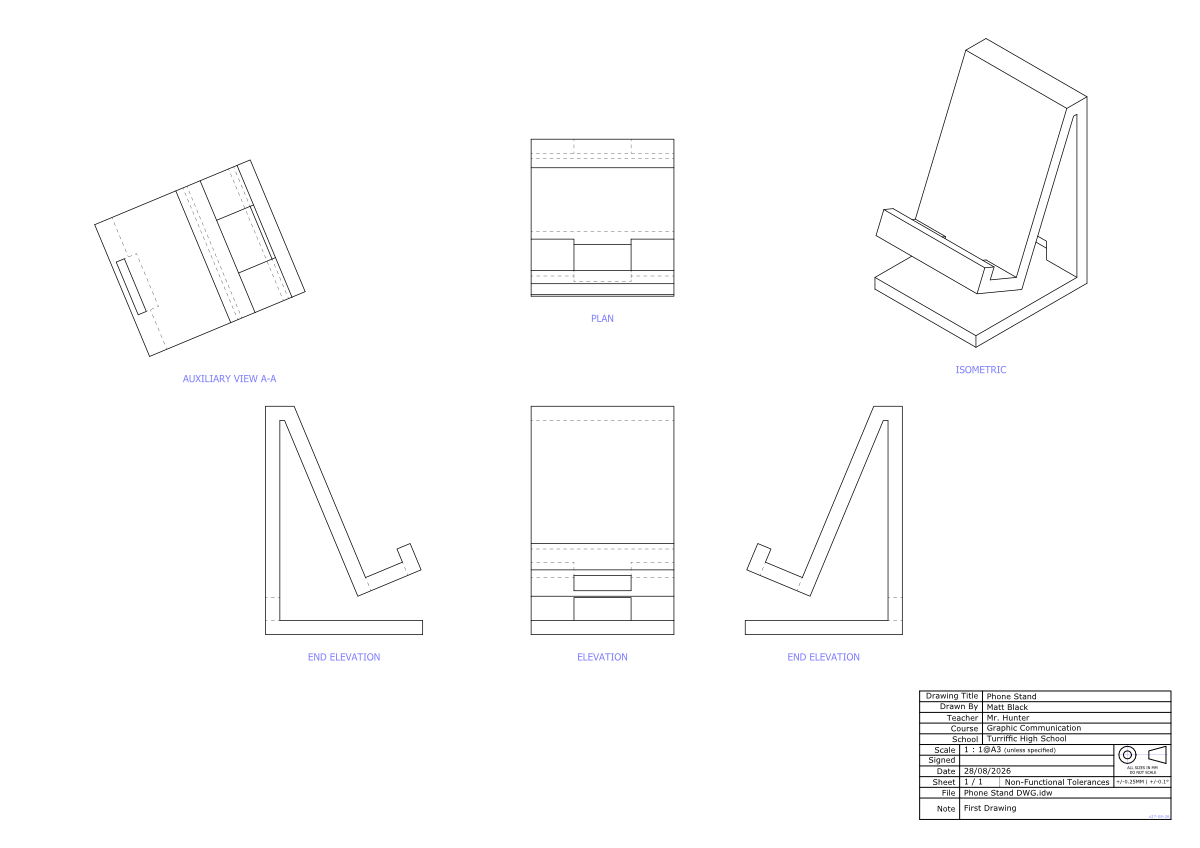
-
Downloads you need to supplement this course.
Phone Stand Inventor (.IPT) Download