

Graphic Design

Learning Intentions
Interpret Technical Drawings
Understand and extract information from orthographic and pictorial drawings to solve design and communication problems.
Apply Drawing Standards and Conventions
Use British Standards (BS 8888) and international conventions (ISO 128) to produce accurate, professional technical drawings that communicate clearly.
Develop Spatial Awareness and Visualisation Skills
Recognise and construct different views and projections, improving your ability to visualise 3D forms and translate them into precise 2D representations.


Downloads

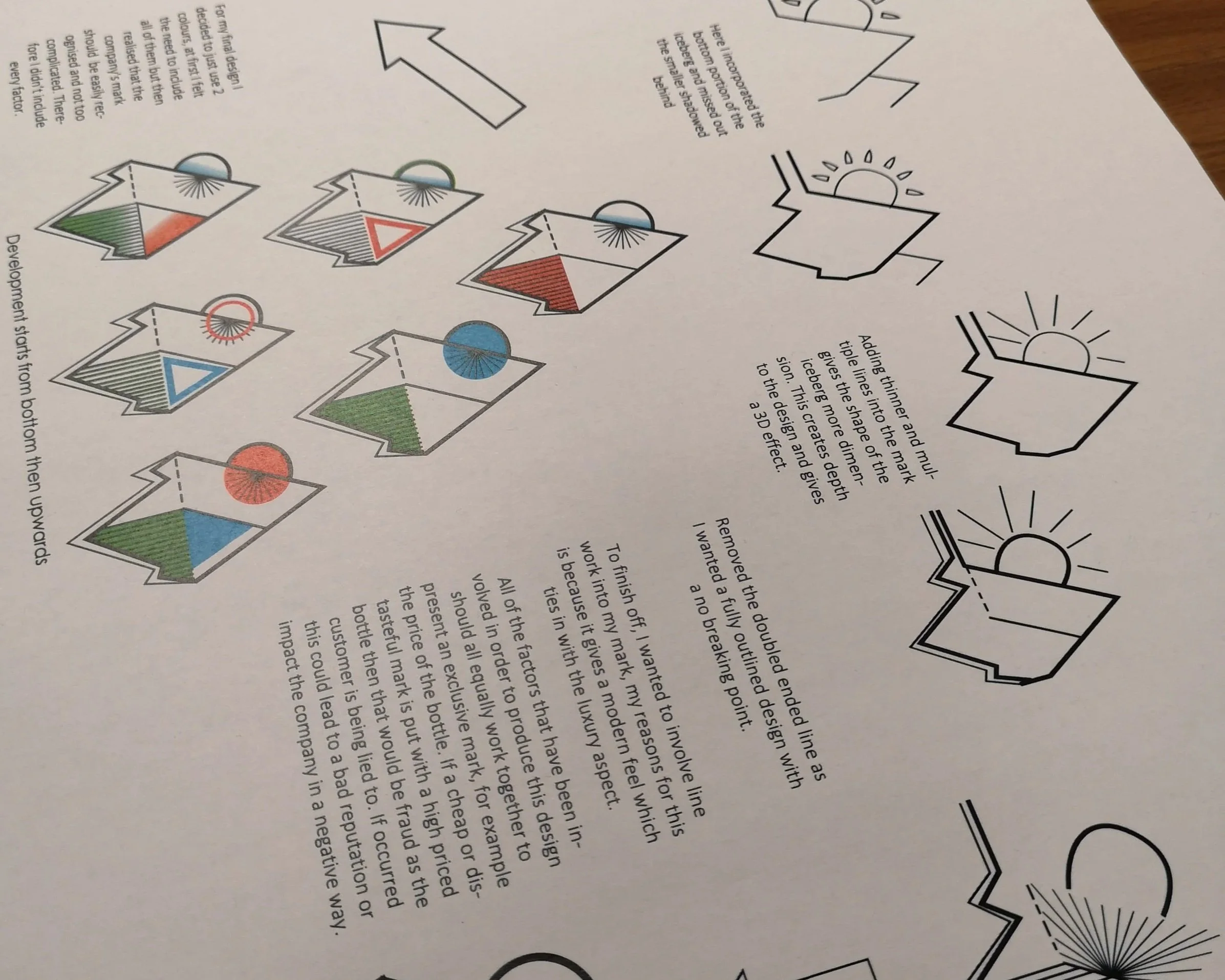
A course notes booklet introducing the basics of technical graphics.
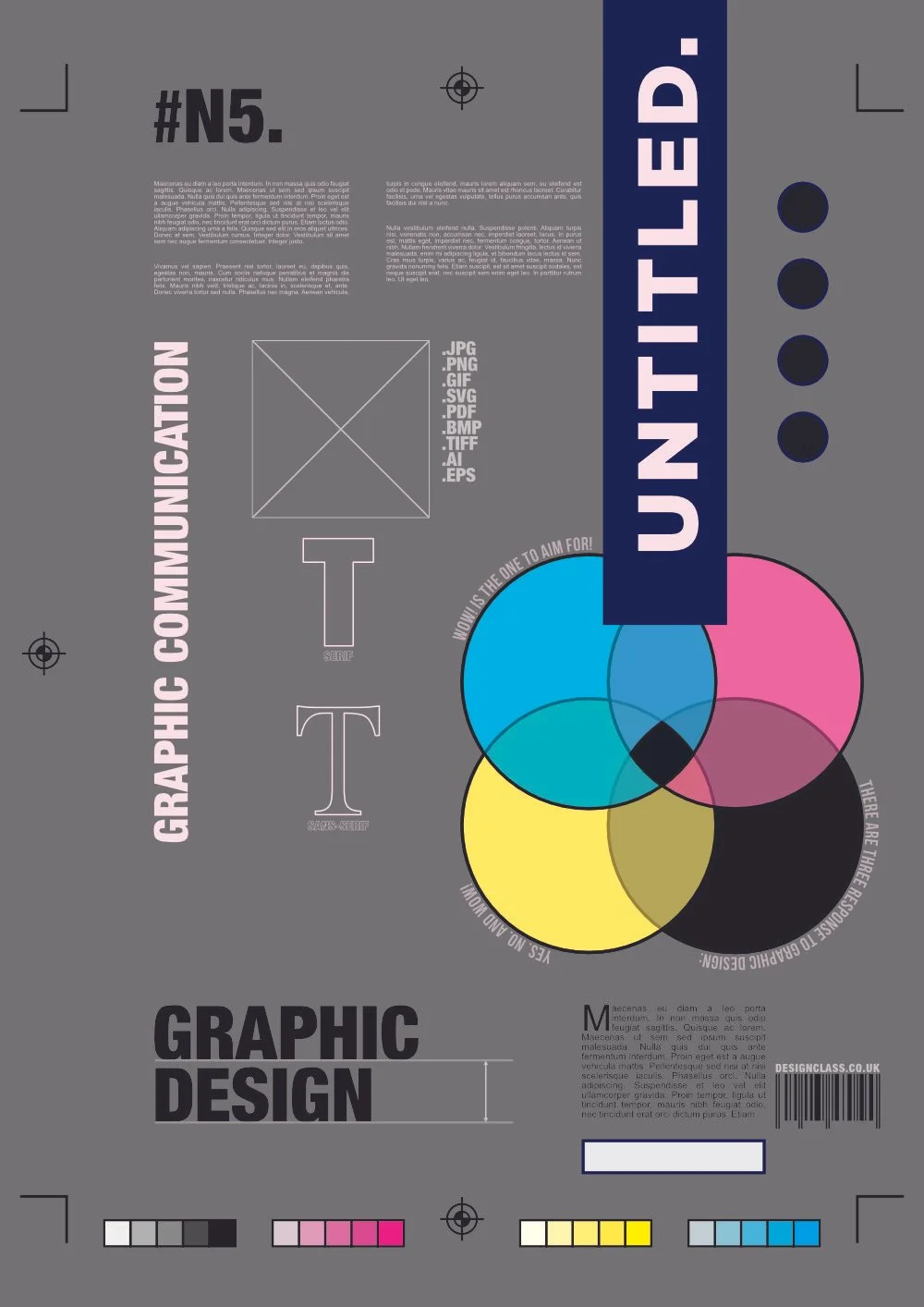
Learn the basics of architecture and building drawing.

A collection of free fonts that can be used.
A collection of free stock images that can be used
Graphic Design Challenges

Desktop Publishing Challenges
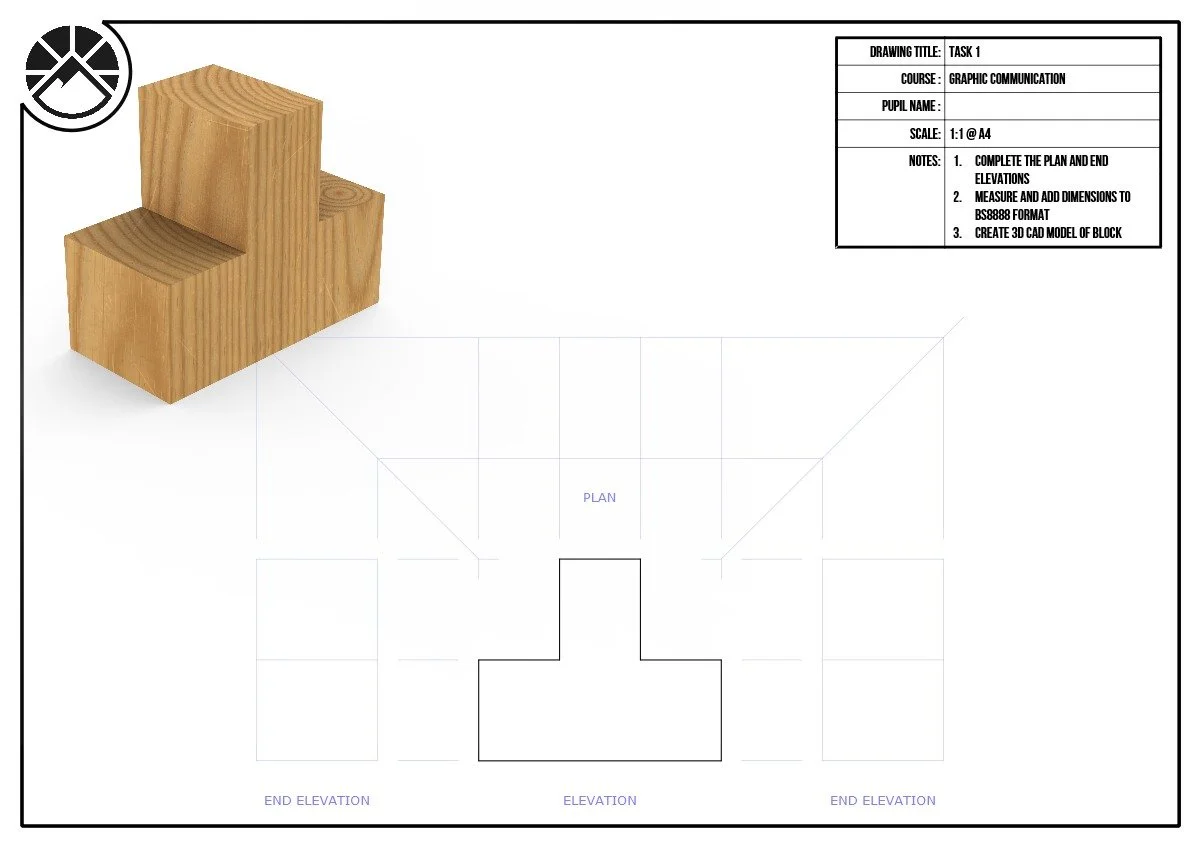
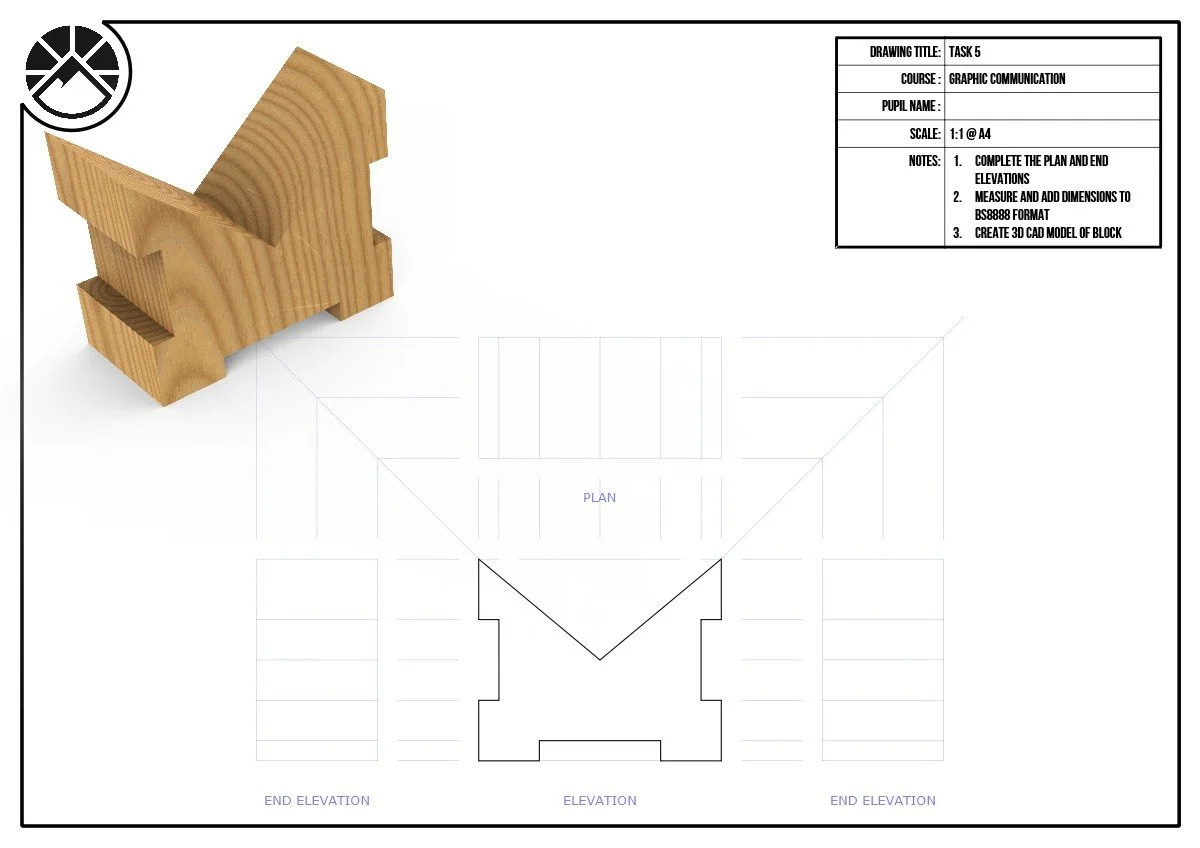
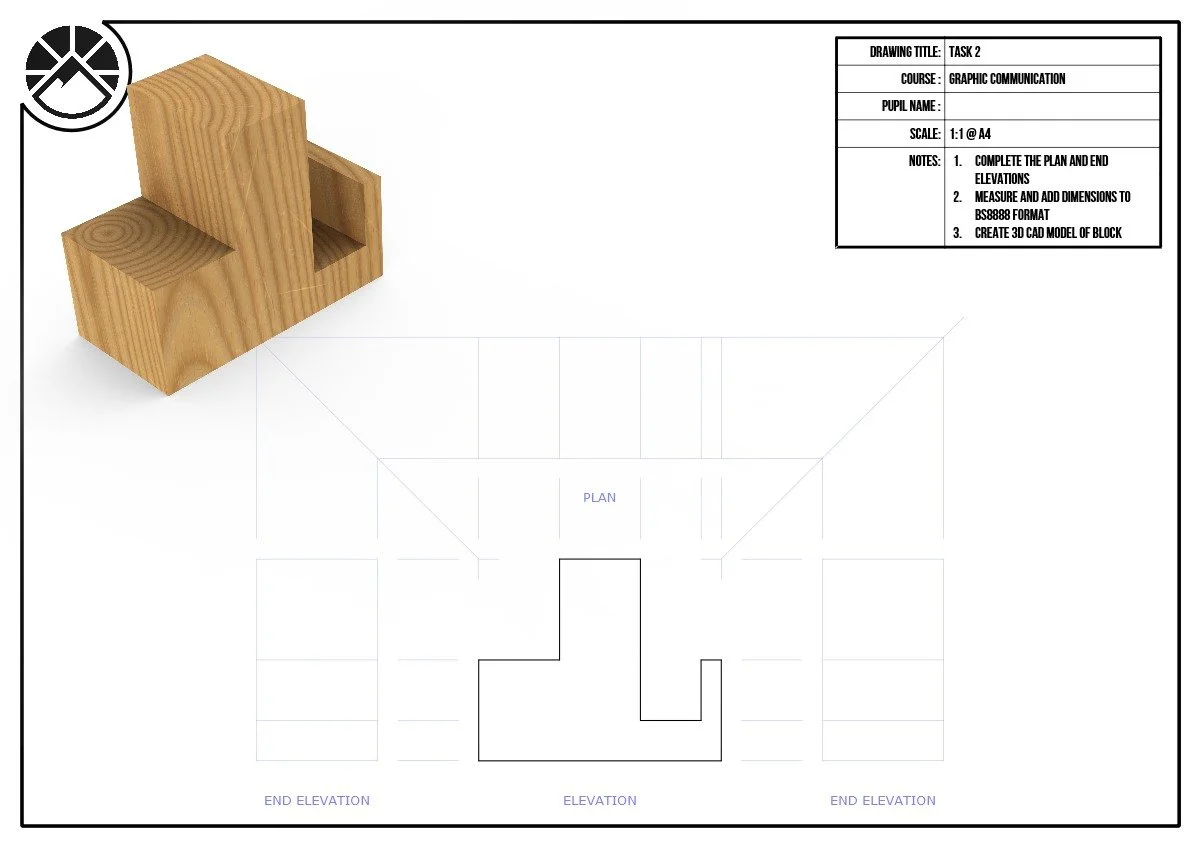
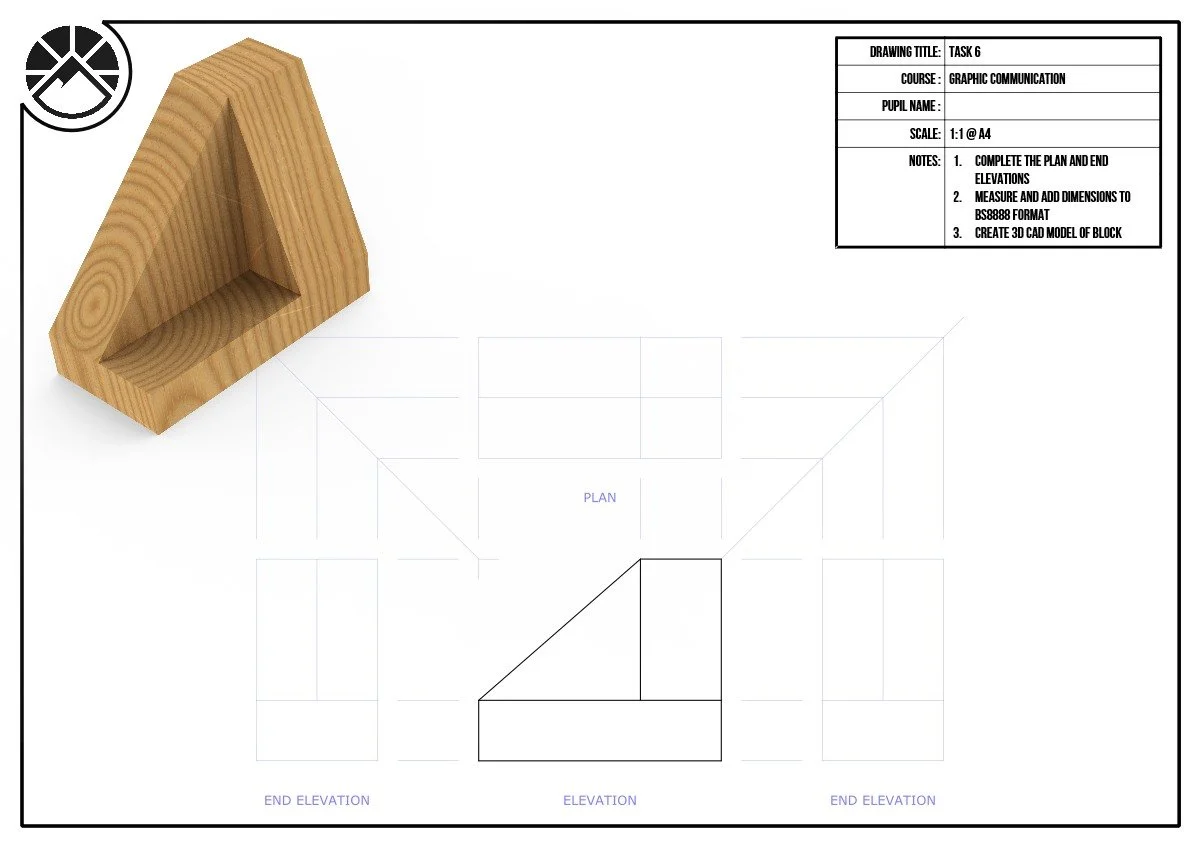
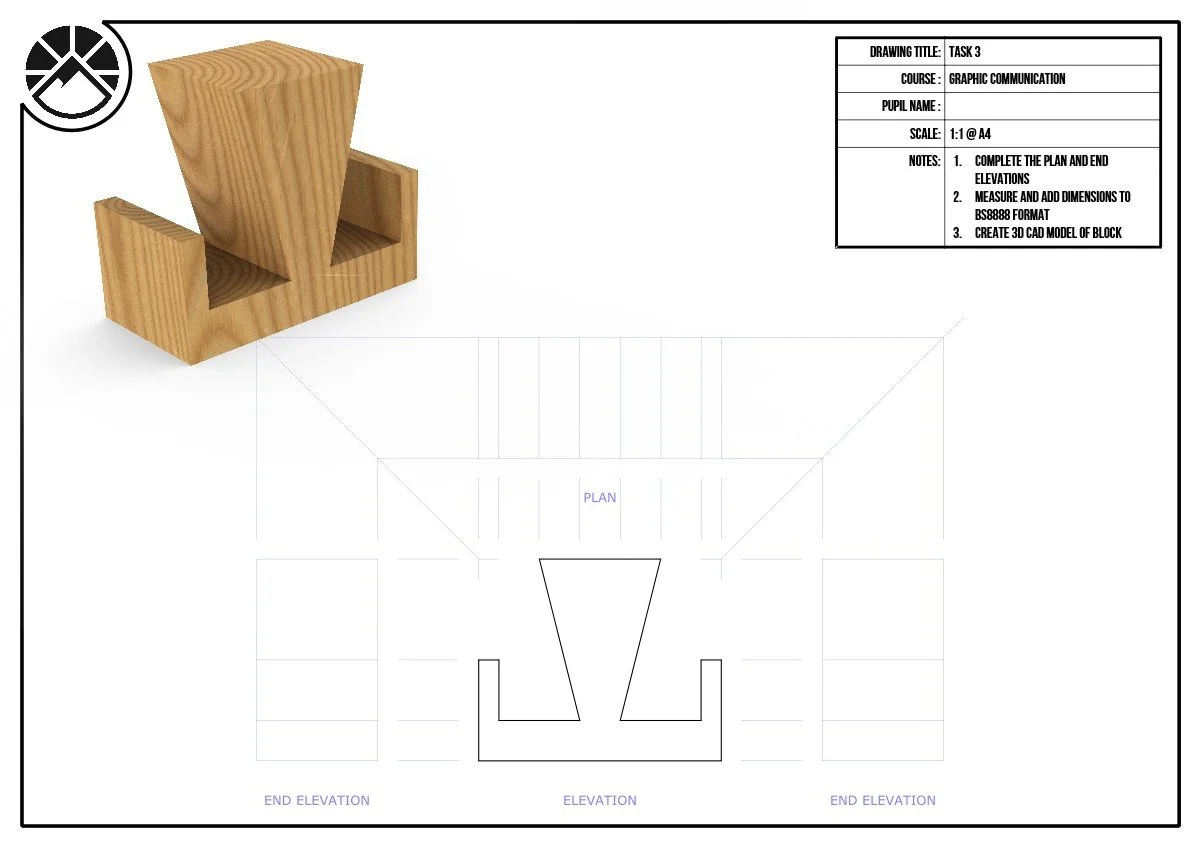
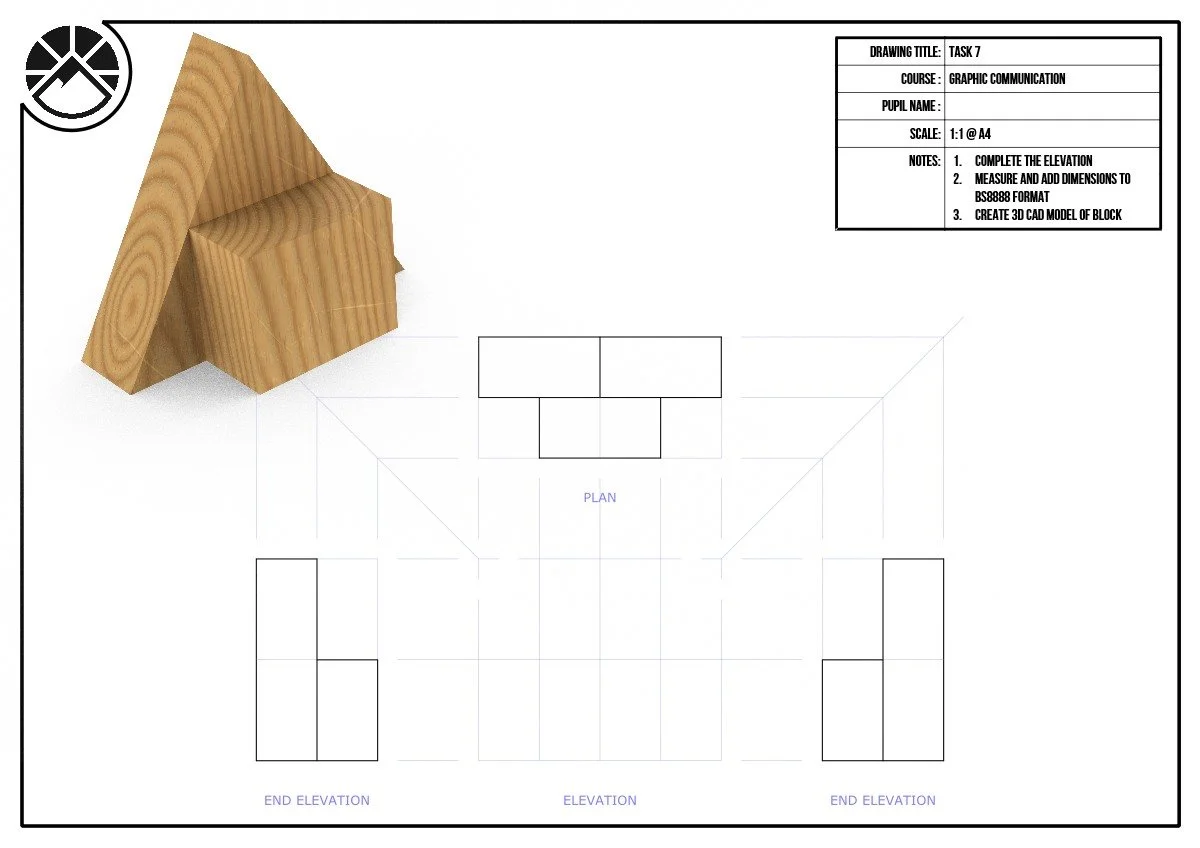
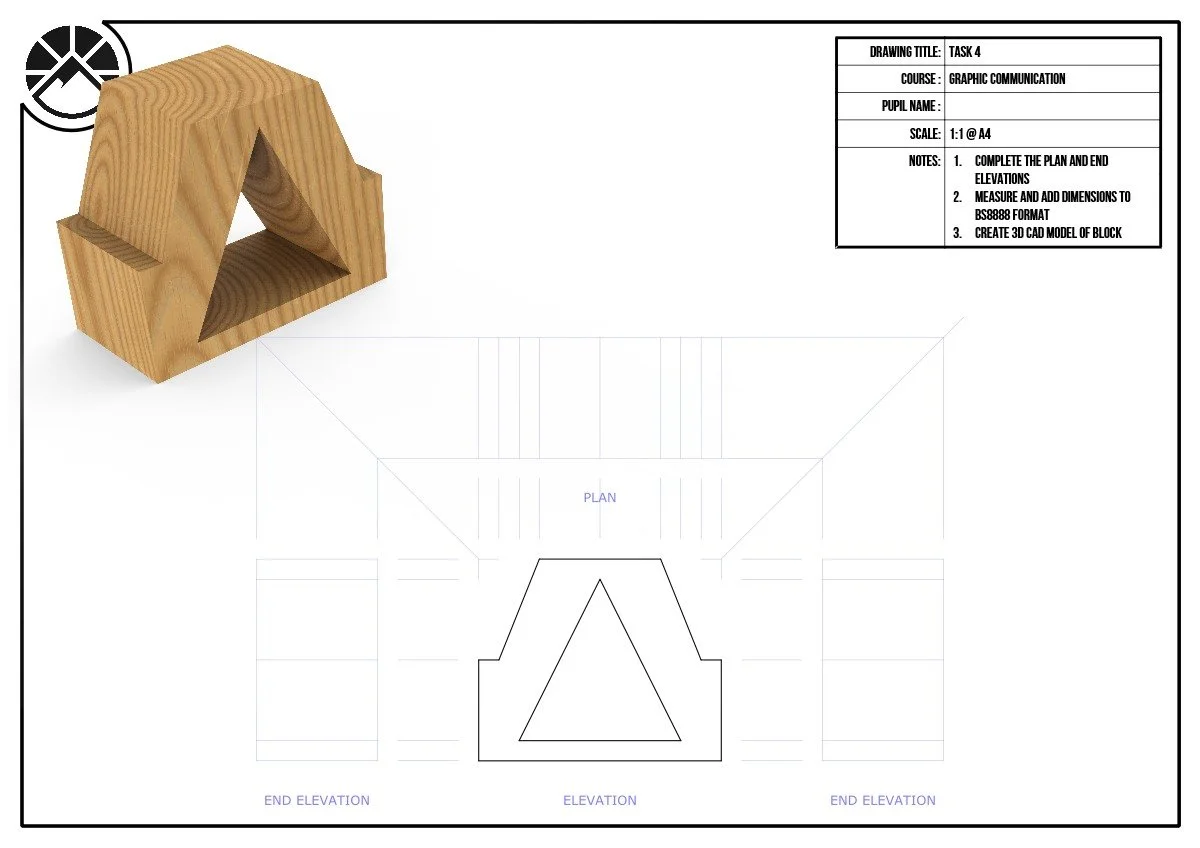
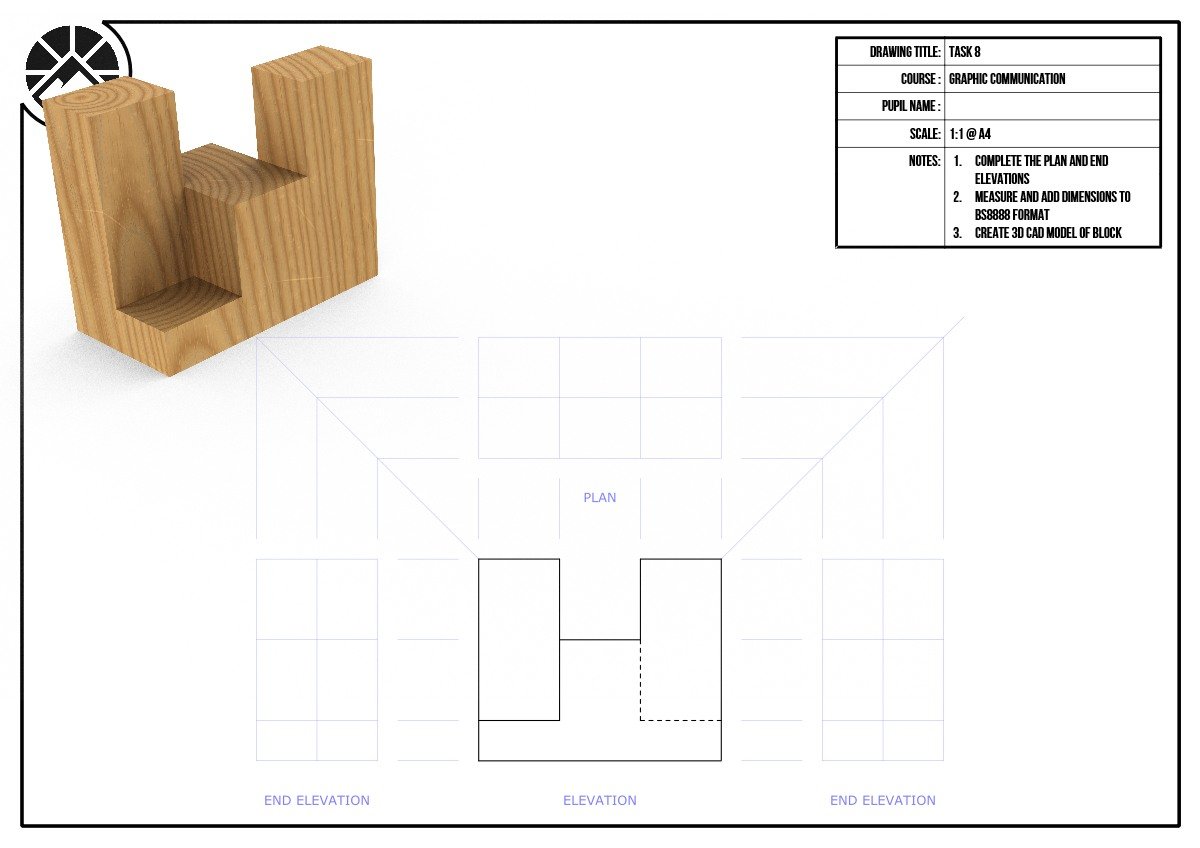
These worksheets have been designed to help with orthographic sketching. Construction lines have been provided, including bounce lines. The trick is ensuring hidden-detail has been shown correctly.

Vector Graphic Challenges
Practice creating sectional views using these practice worksheets. Construction lines have been included. Try to remember the rules about cross-hatching certain components and features.
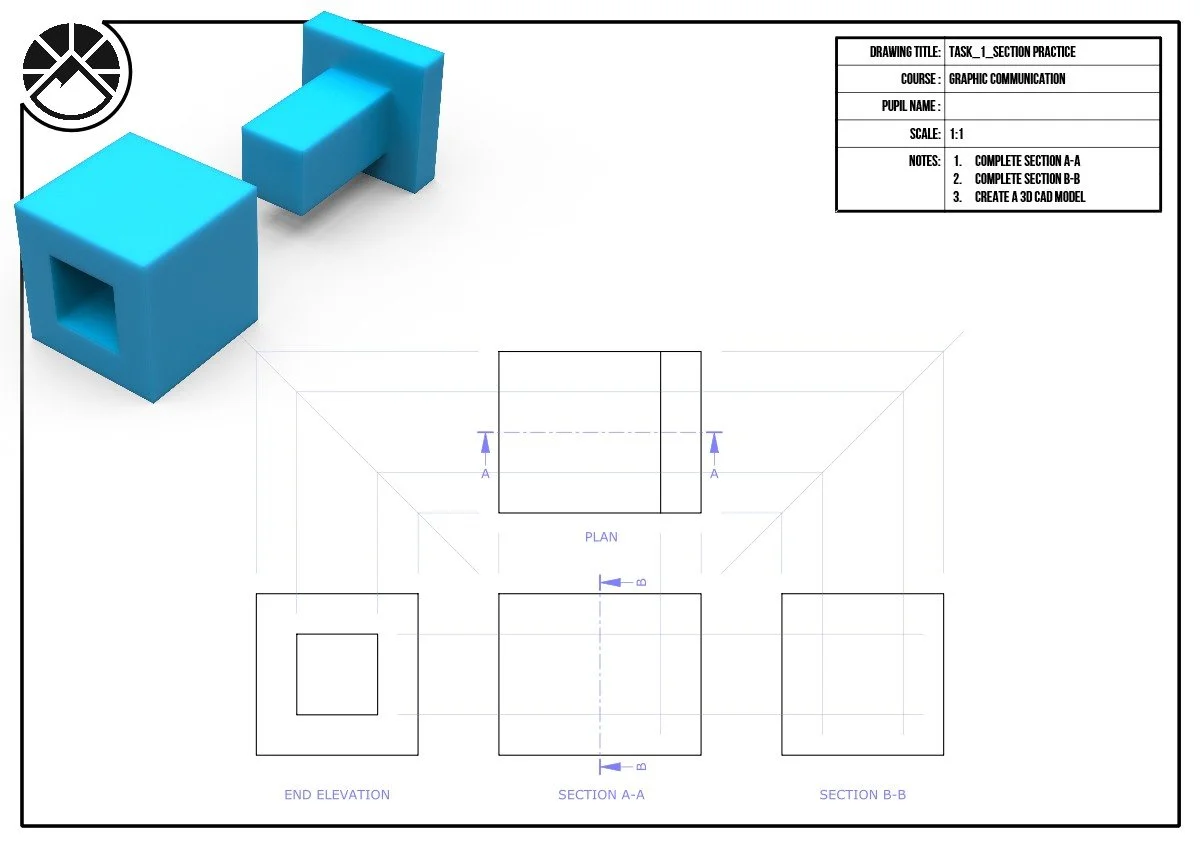
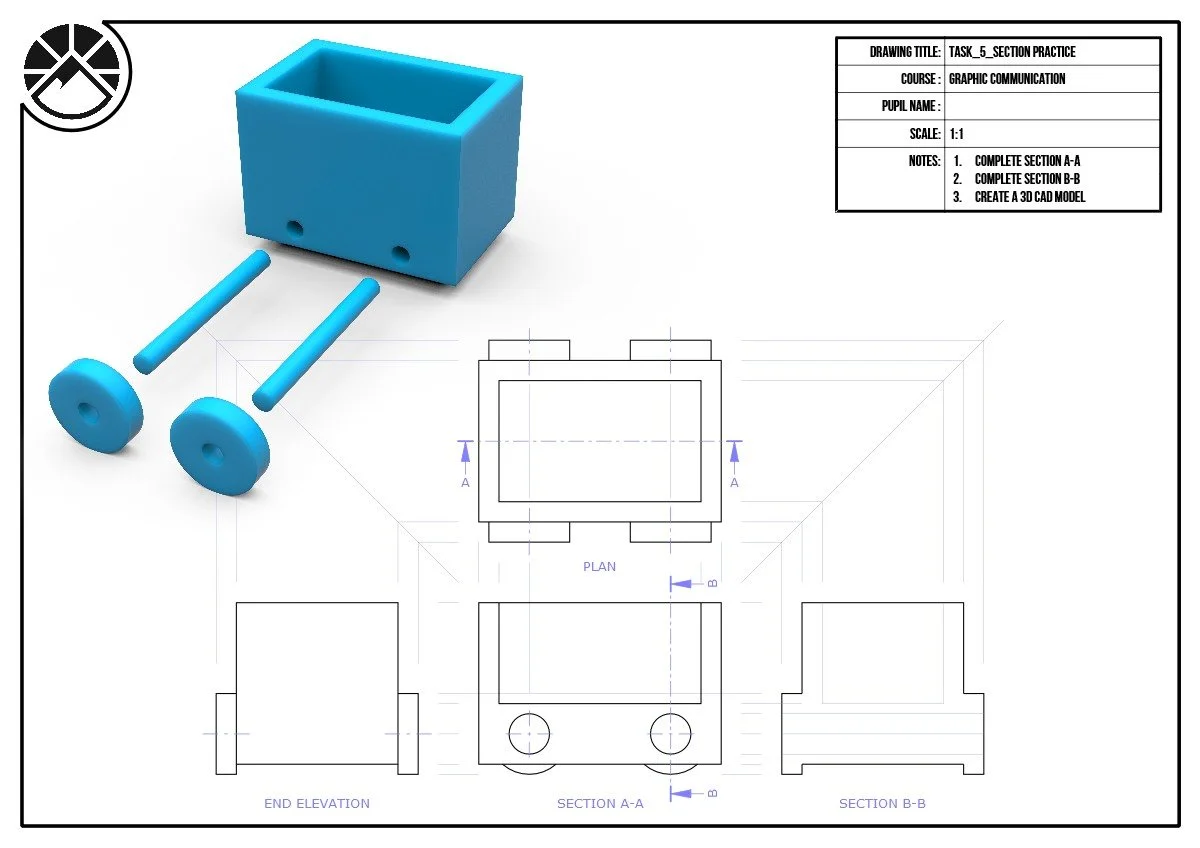
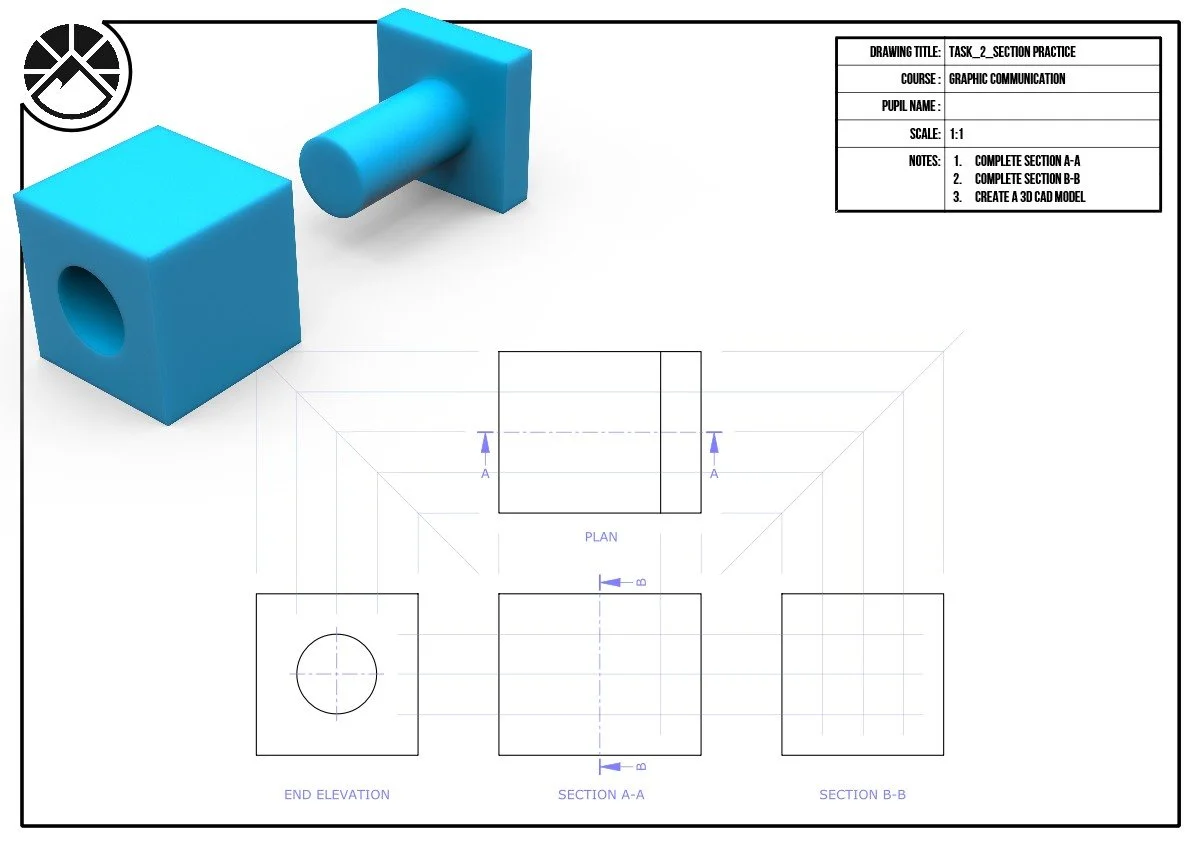
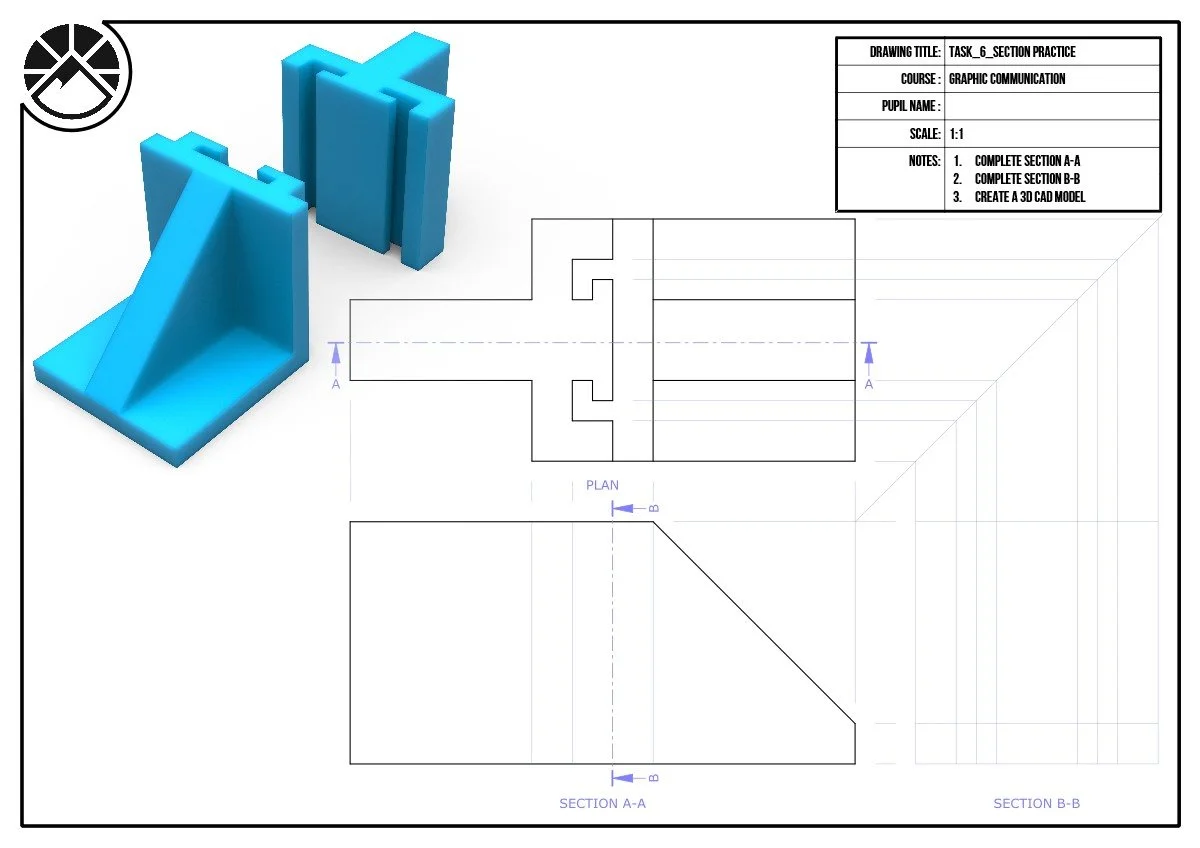
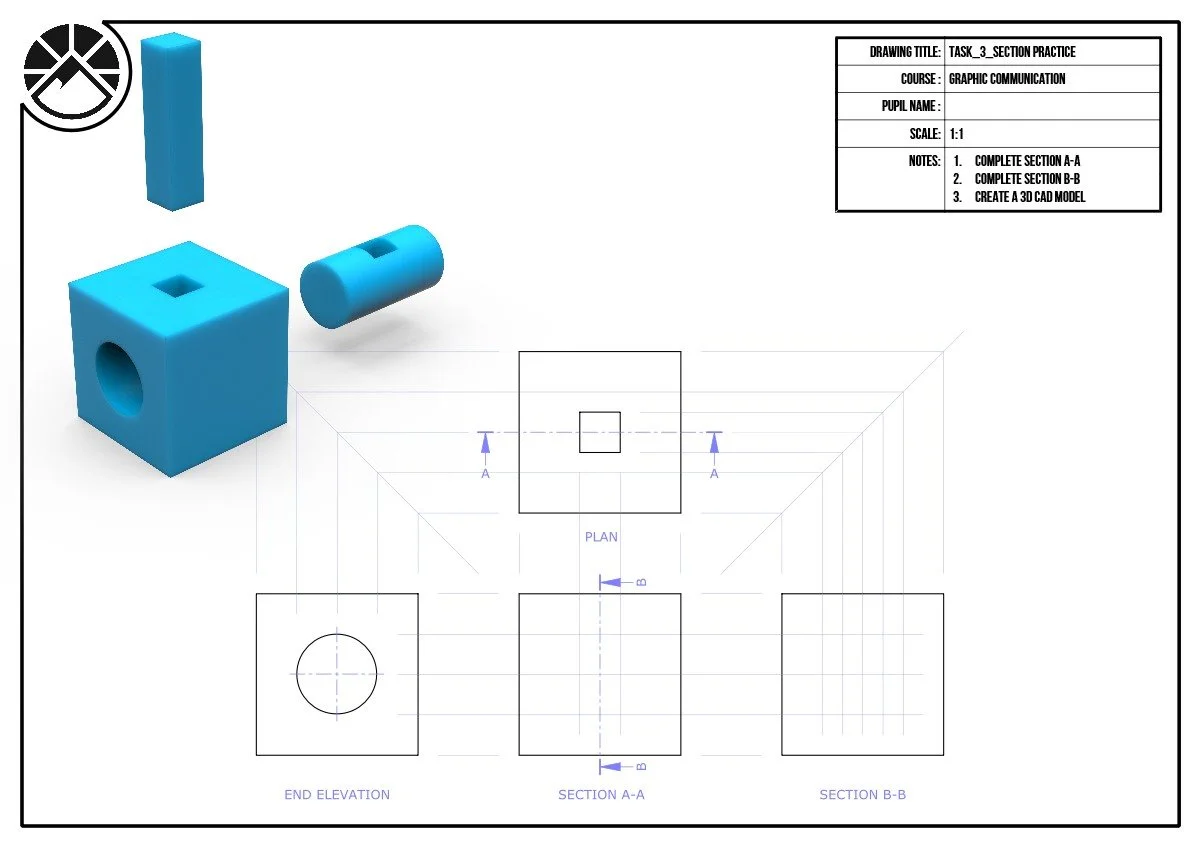
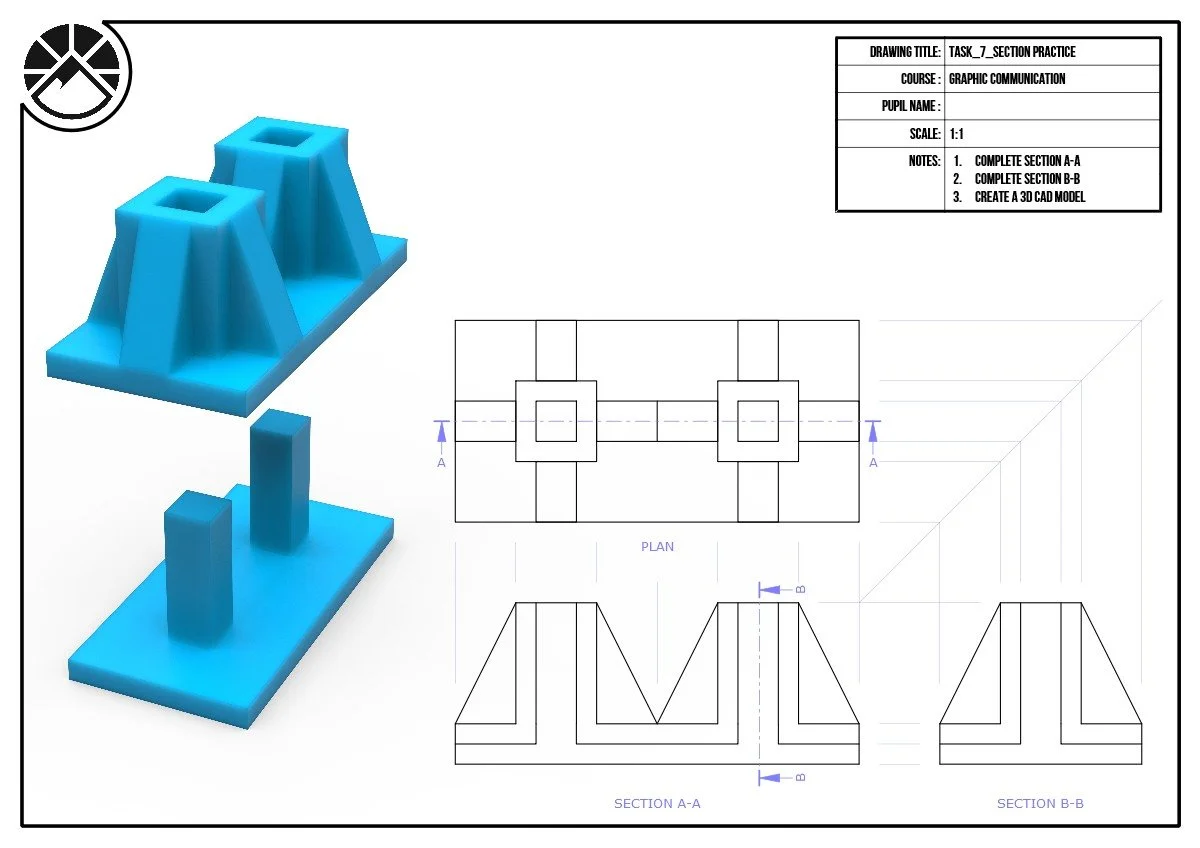
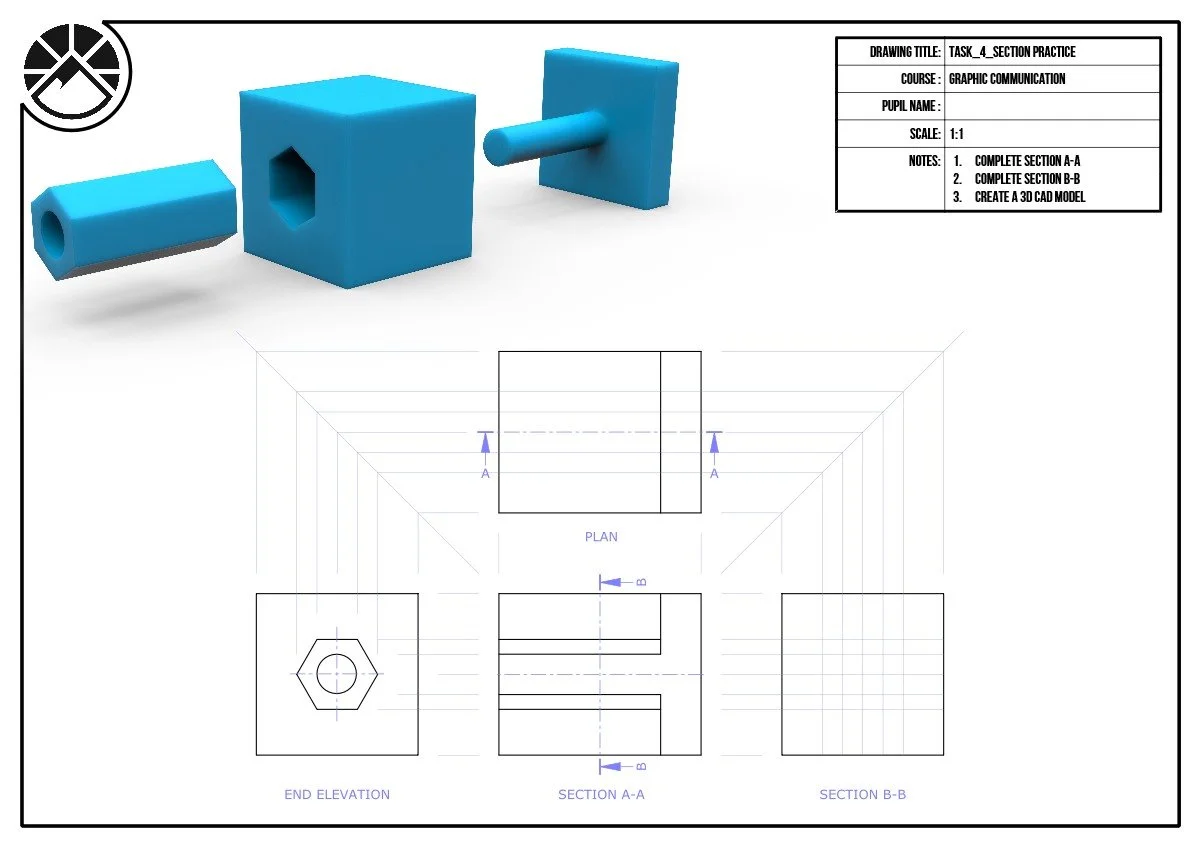
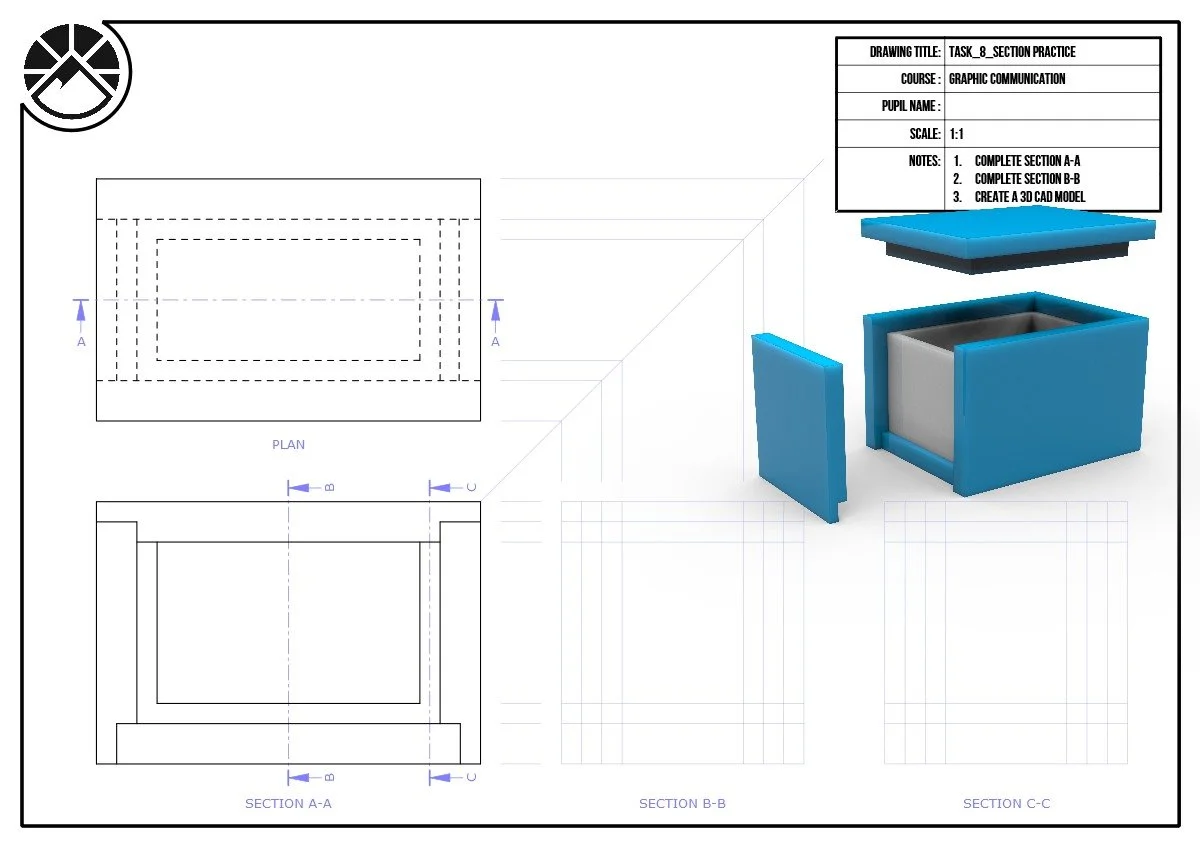
Photo Editing Challenges
Practice creating sectional views using these practice worksheets. Construction lines have been included. Try to remember the rules about cross-hatching certain components and features.
"If you do it right, it will last forever”
Massimo Vignelli