Higher CAD
Learning Intentions
Read Technical Drawings
Read technical drawings carefully and extract the necessary information so you can accurately create precise 3D models that represent part and assemblies in full detail.
Use 3D CAD Modelling Software
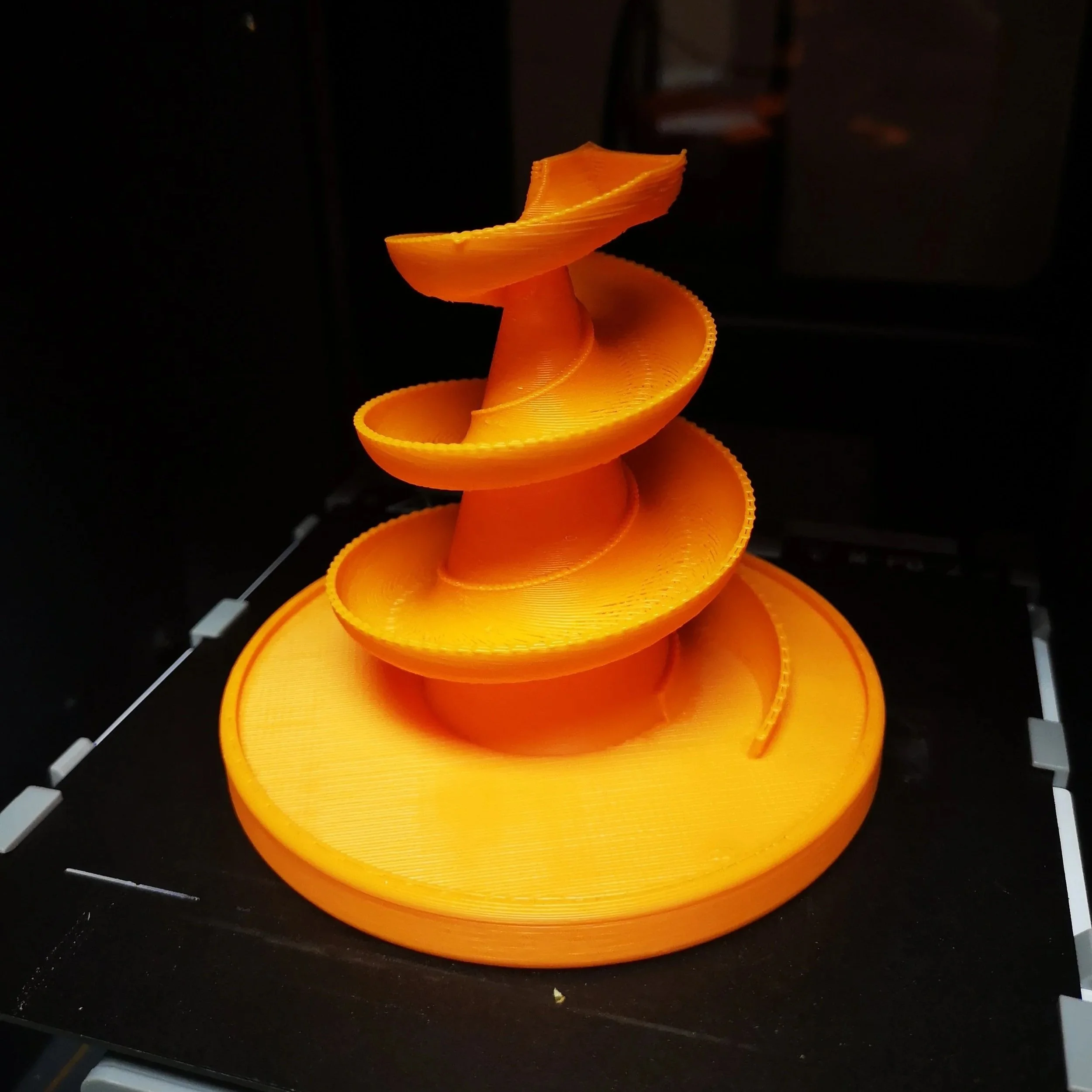
Use 3D CAD modelling software and develop practical skills with techniques such as Extrude, Revolve, Loft, Helix and Sweep to build complex geometry. Learn common modelling edits including chamfer, fillet, array and shell to refine and finish your designs to a professional standard.
Understand CAD strategies
Understand CAD strategies and adopt efficient approaches for creating 3D models more quickly, including Top‑Down modelling, Parametric modelling and parameter‑driven design methods.
CAD Challenges
Learning 3D CAD turns ideas into something real. It helps you visualise, test and communicate your designs with accuracy — skills that sit at the heart of graphic and the wider world of design and engineering.
-
Extrude Challenges
-
Lesson 1: Basic Geometry
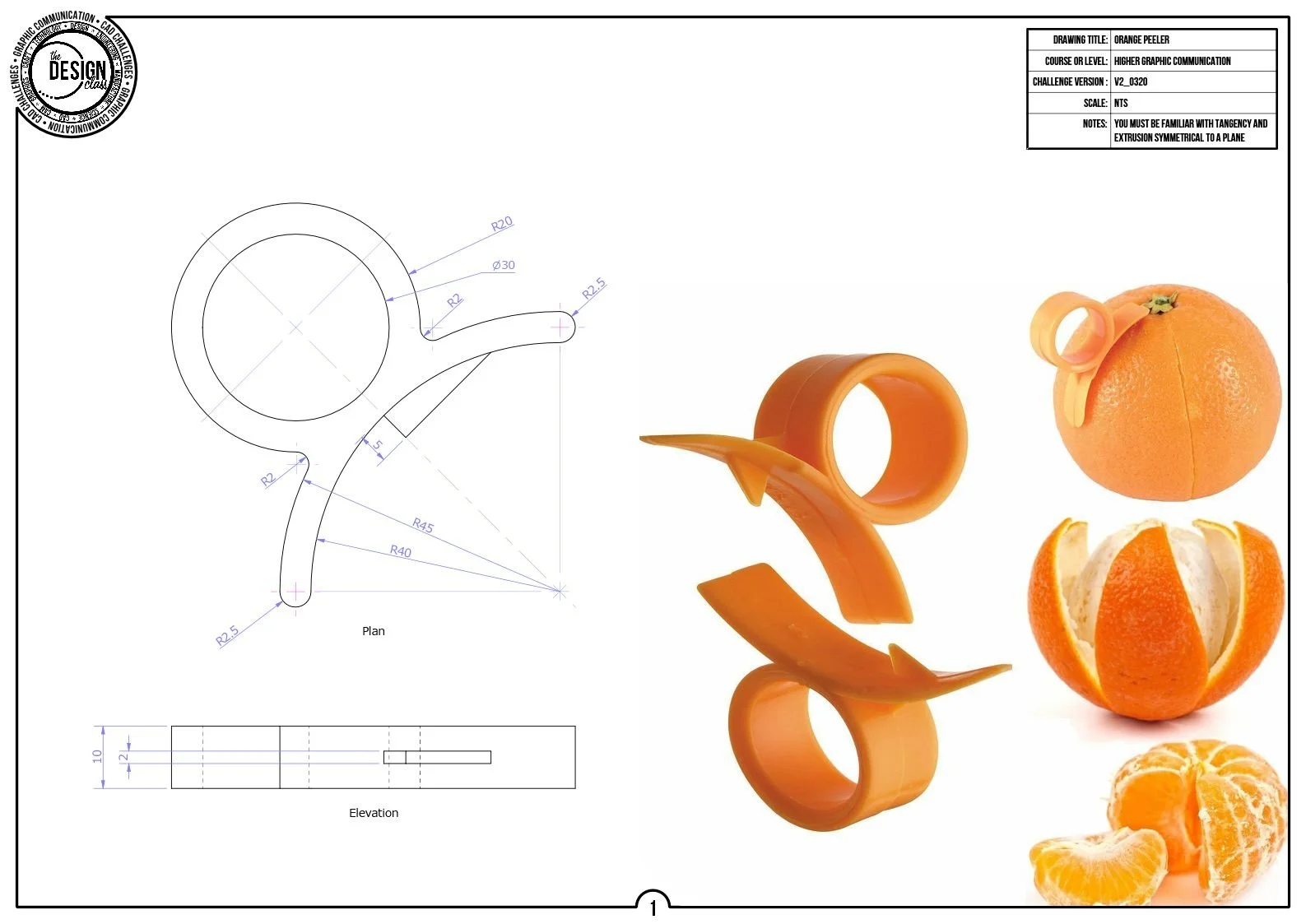
Orange Peeler Challenge
Start simple: sketch cleanly, constrain smartly, and discover how symmetry saves your sanity. A tiny model that teaches big habits — and yes, it actually 3D‑prints brilliantly.
-
Lesson 2: Array Features
Hexagon Bracket
Hexagons, constraints, cut‑outs, and your first proper radial array. Build a bracket that looks tougher than it is — and learn how cosmetic threads make everything feel more ‘engineery’.
-
Lesson 3: Top-Down Modelling
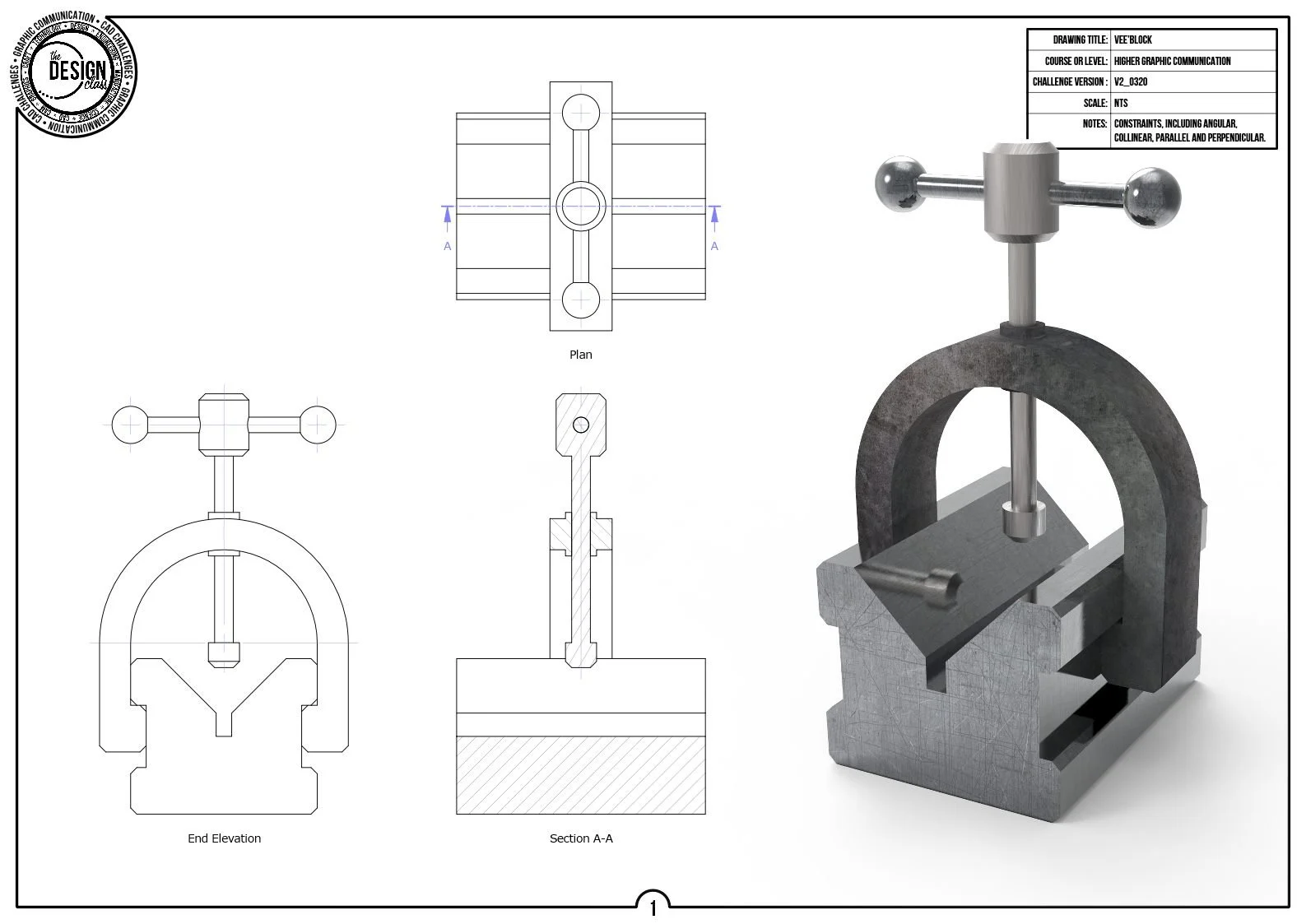
Vee-Block Challenge
Multiple bodies, shared sketches, and a model that becomes an assembly right in front of you. This is where CAD starts feeling like real engineering instead of just shapes.
-
-
Revolve Challenges
-
Lesson 4: Basic Revolve
Pencil Pot
A classic revolve: sketch a profile, spin it, shell it, pattern it. A perfect warm‑up — and another model you can actually print and use on your desk.
-
Lesson 5: Intersection
Light Shade
Two revolved profiles collide to make something surprisingly stylish. Learn how intersecting geometry can create forms you’d never sketch directly.
-
Lesson 6: Complex Geomtery
Wine Class
A tricky profile, a delicate shape, and the art of knowing when not to do everything in one go. Build a wine glass that looks elegant instead of… melted.
-
-
Loft Challenges
-
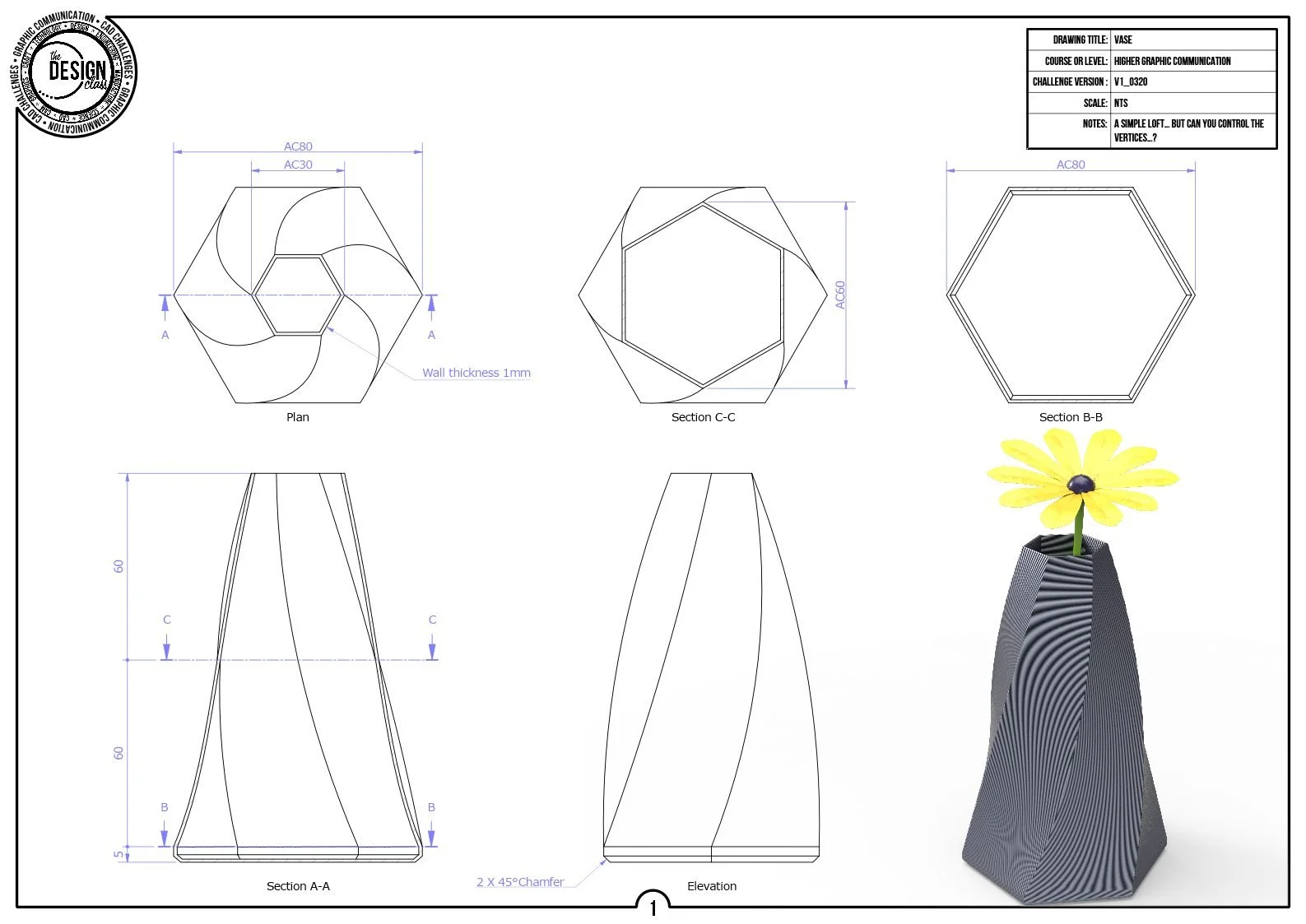
Lesson 7: Vertices Matter
Lofted Pot
Lofting isn’t magic — it’s maths with attitude. Match every vertex, line them up properly, and watch the pot take shape instead of spiralling into a twisted disaster.
-
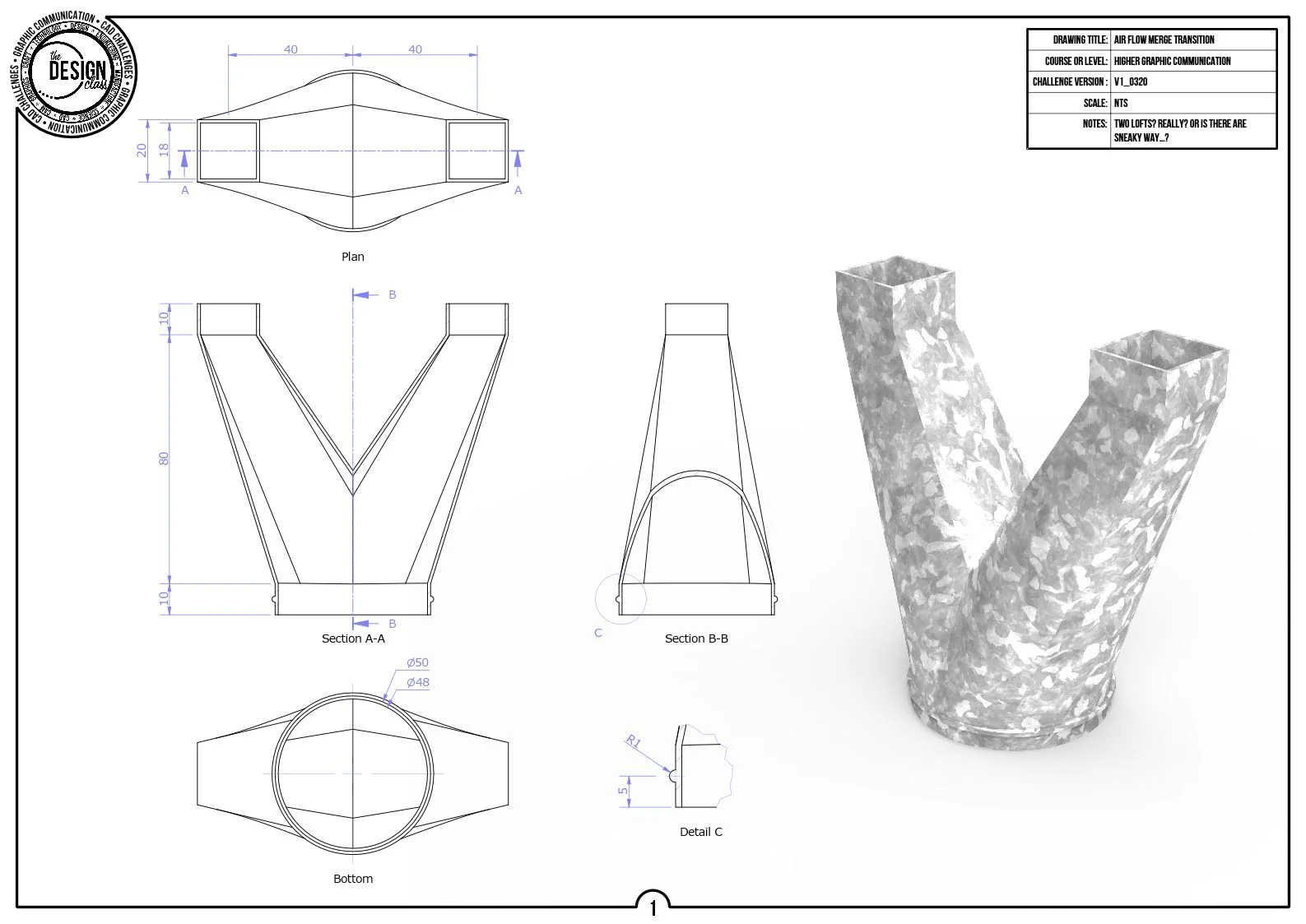
Lesson 8: One shape to another
Transition Pipe
Circle meets square in the most dramatic loft of the course. Offset your planes, align your points, and make two totally different shapes blend like they were meant to be together.
-
Lesson 9: Off the rails...
Door Handle
Two profiles, two perpendicular planes, one curvy rail running the show. Guide the loft along the path and sculpt a handle that actually looks like something you’d grab.
-
-
Helix Challenges
-
Lesson 10: Helices
Screw
Your first proper thread: a tiny profile, a precise pitch, and a helix that finally makes sense. Build a screw that looks like it could actually hold something together.
-
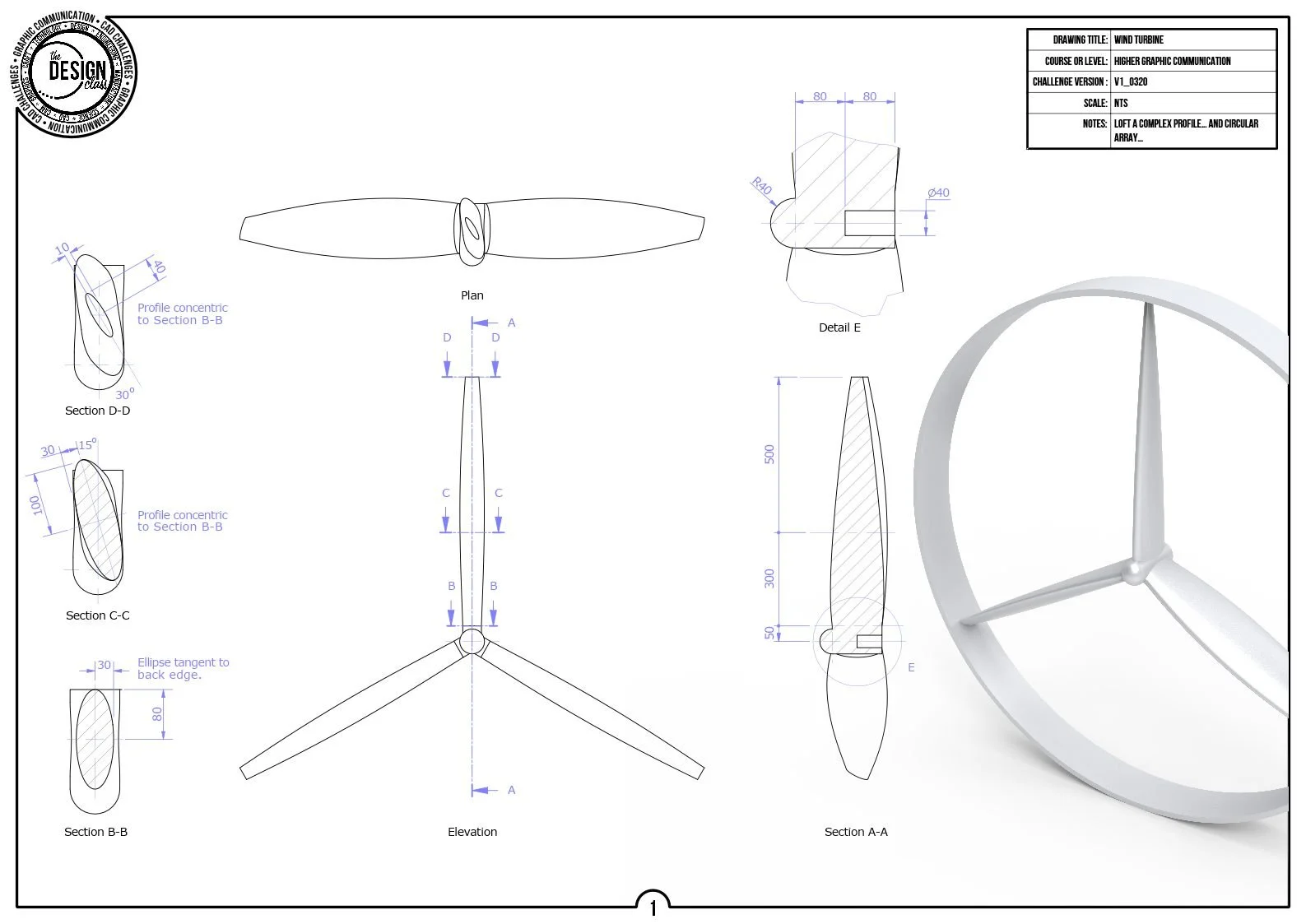
Lesson 11: Short pitch
Propellor
A partial pitch and a fraction of a revolution — just enough twist to make a blade. Then spin it around the hub and suddenly you’ve built a propeller that means business.
-
Lesson 12: Adding and Removing
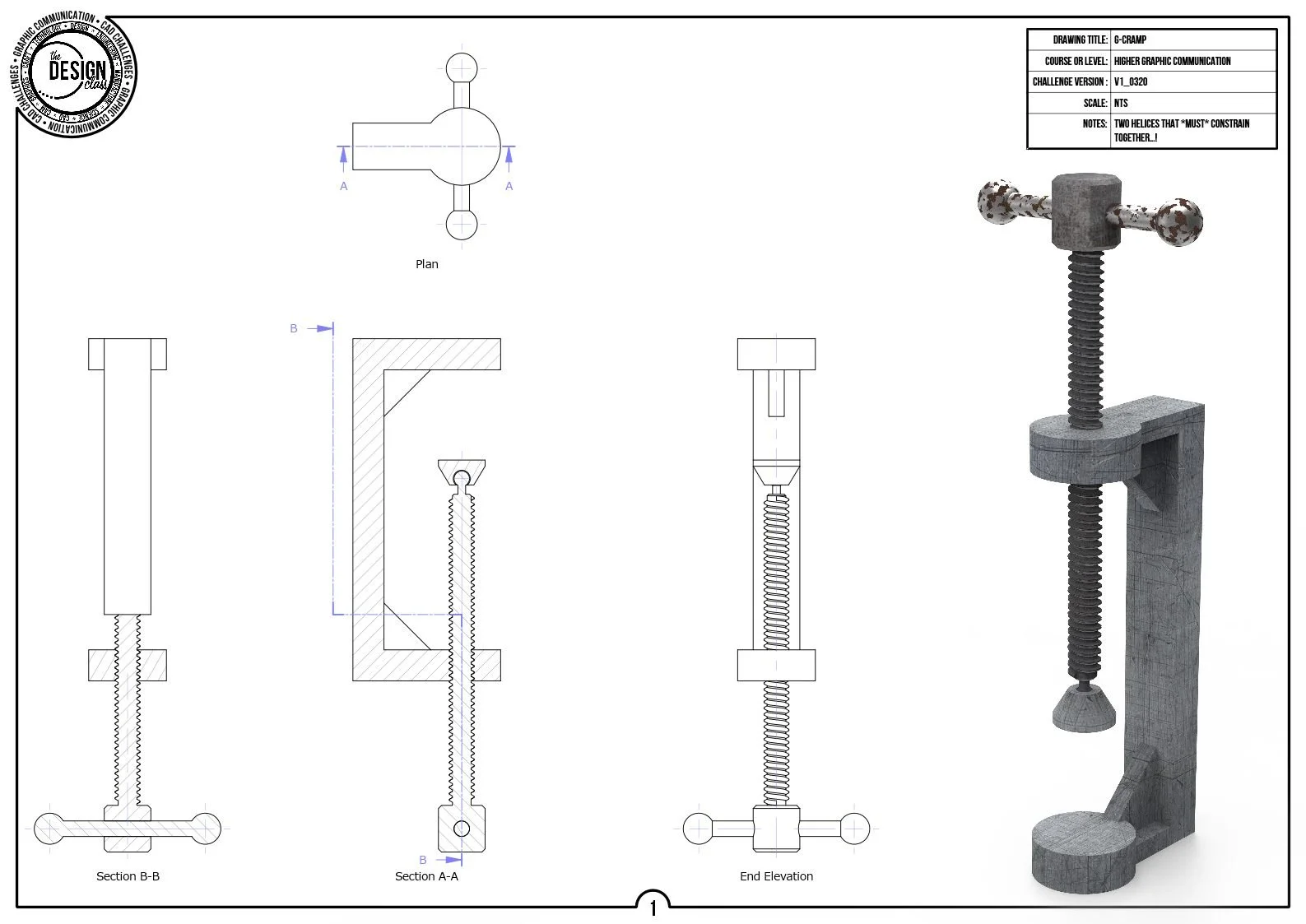
G-Clamp
ACME threads: chunky, square‑shouldered, and deeply satisfying. Model the male and female halves so they mesh perfectly, then admire your clamp like a proud engineer.
-
-
Sweep-along-a-path Challenges
-
Lesson 13: Follow the leader
Desk Tidy
A simple profile, a curvy path, and suddenly you’re sweeping geometry like a pro. Follow the arc, keep it centred, and watch a flat sketch turn into a tidy little organiser.
-
Lesson 14: Array
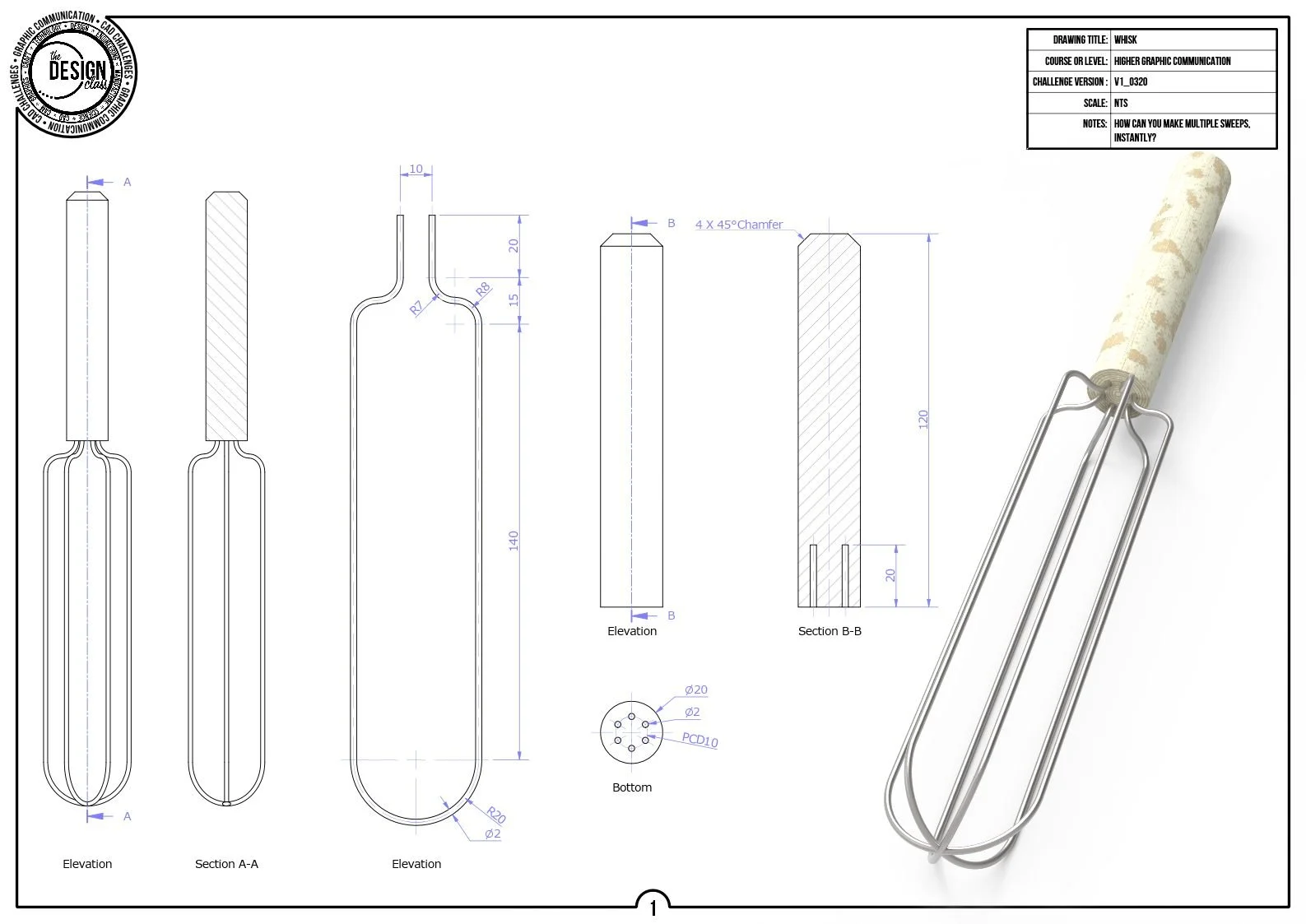
Whisk
One wire is clever. Six wires is engineering. Sweep a tiny profile along a looping path, then spin it around the hub to build a whisk that actually looks ready to beat something.
-
Lesson 15: Take a brew
Coffee Cup
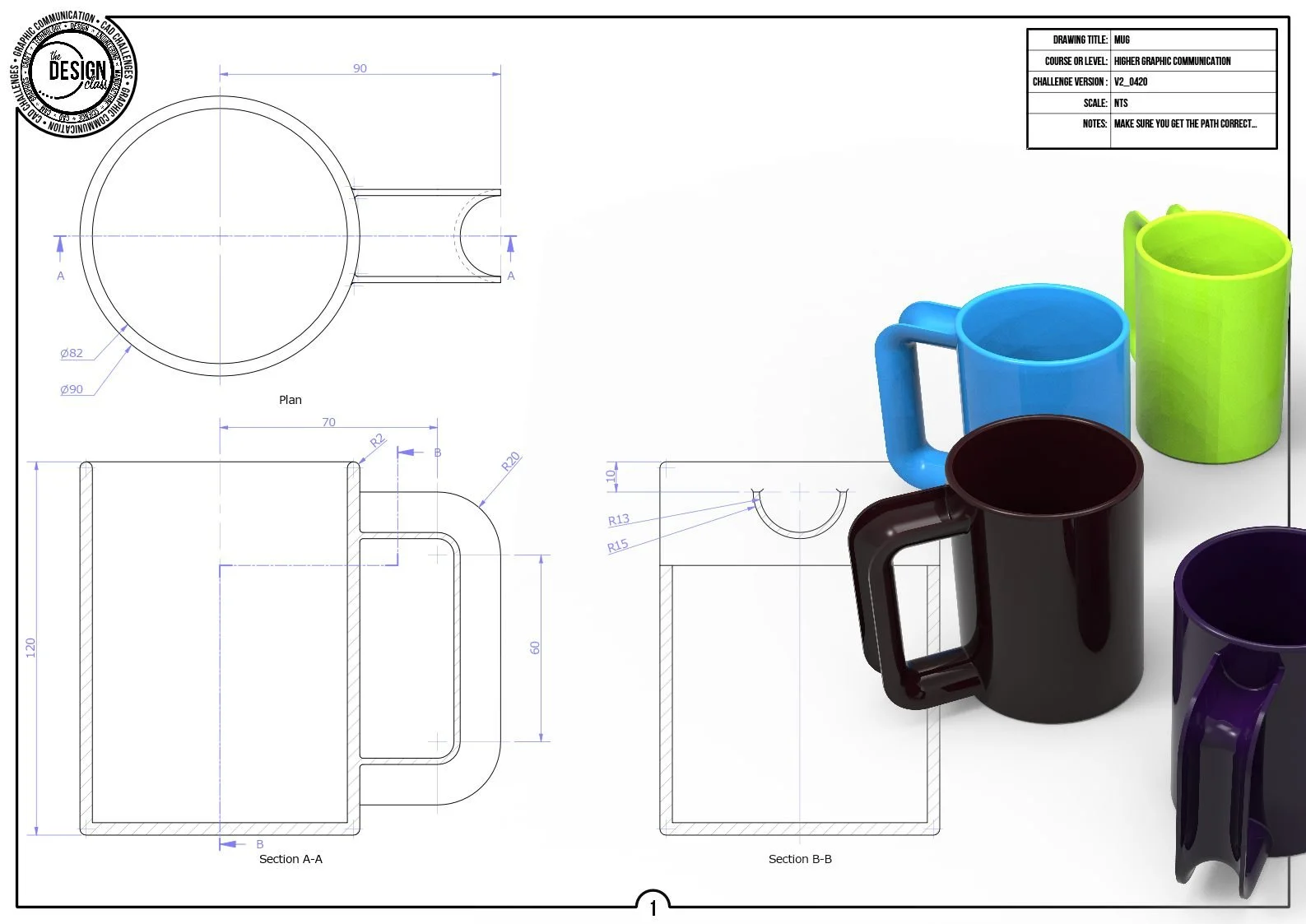
Revolve the mug, sweep the handle, fillet the joins — and boom, you’ve made the world’s most CAD‑approved coffee cup. Just don’t try to drink from the STEP…
-
Legacy Challenges
Extrude CAD Challenges
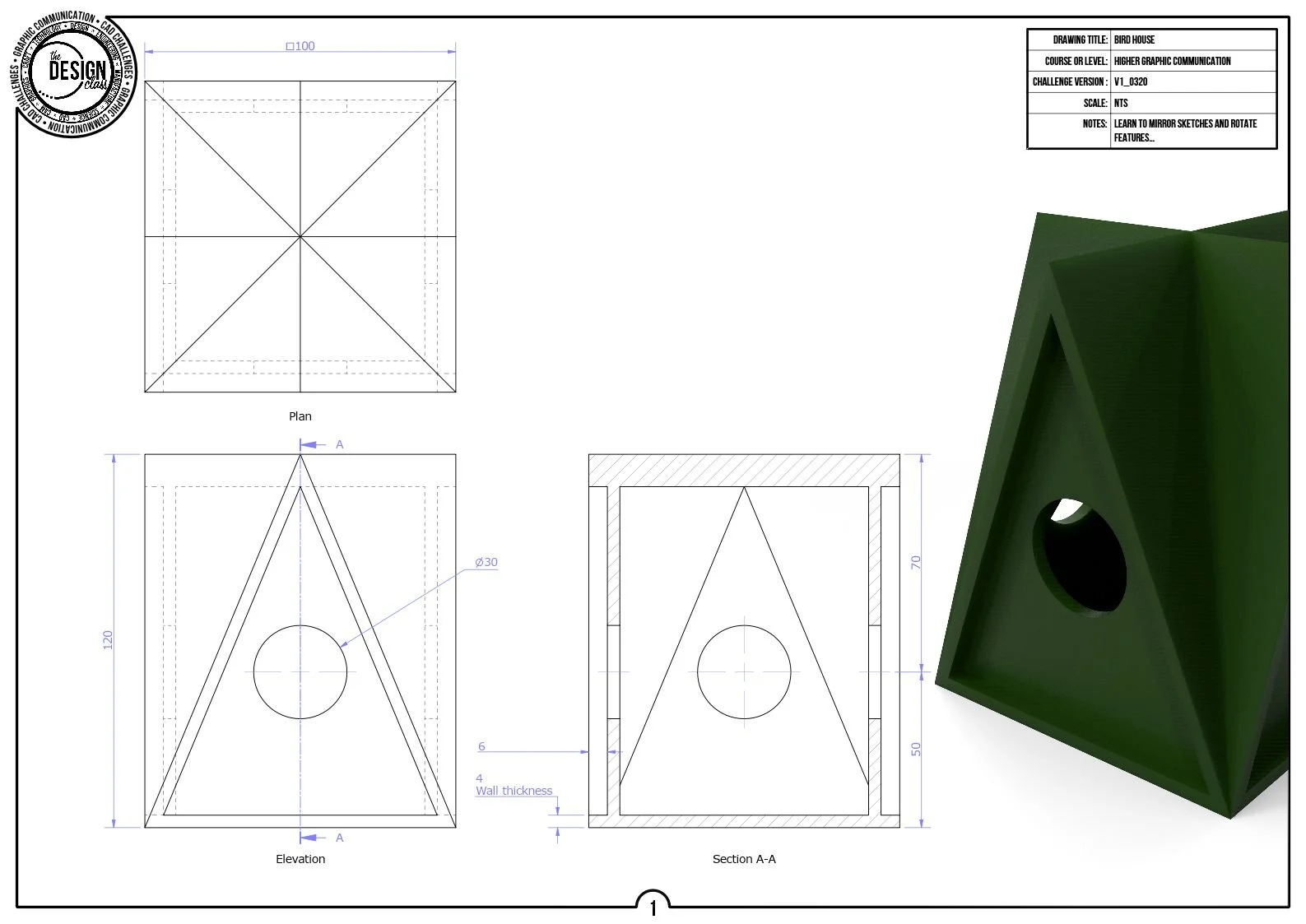
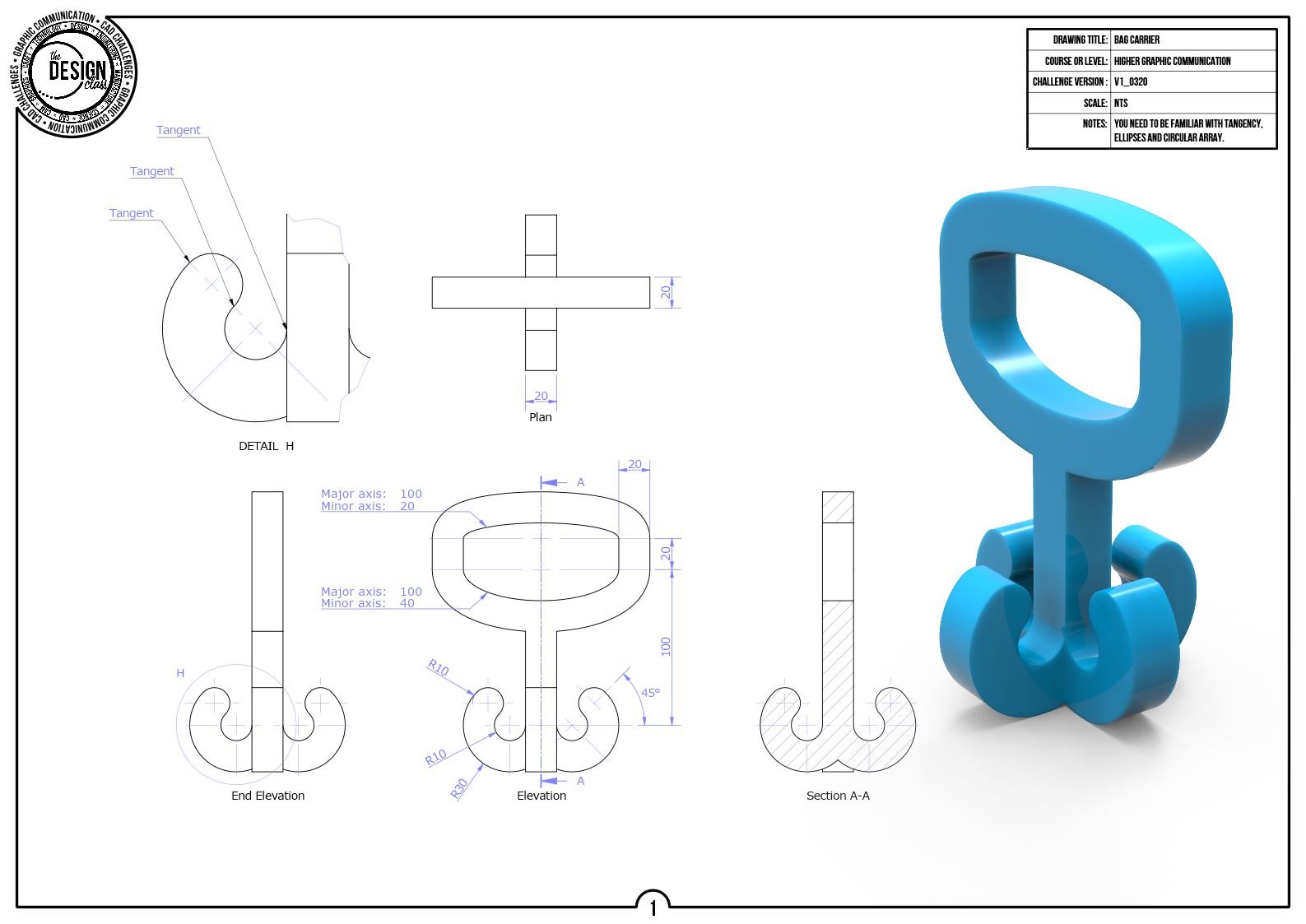
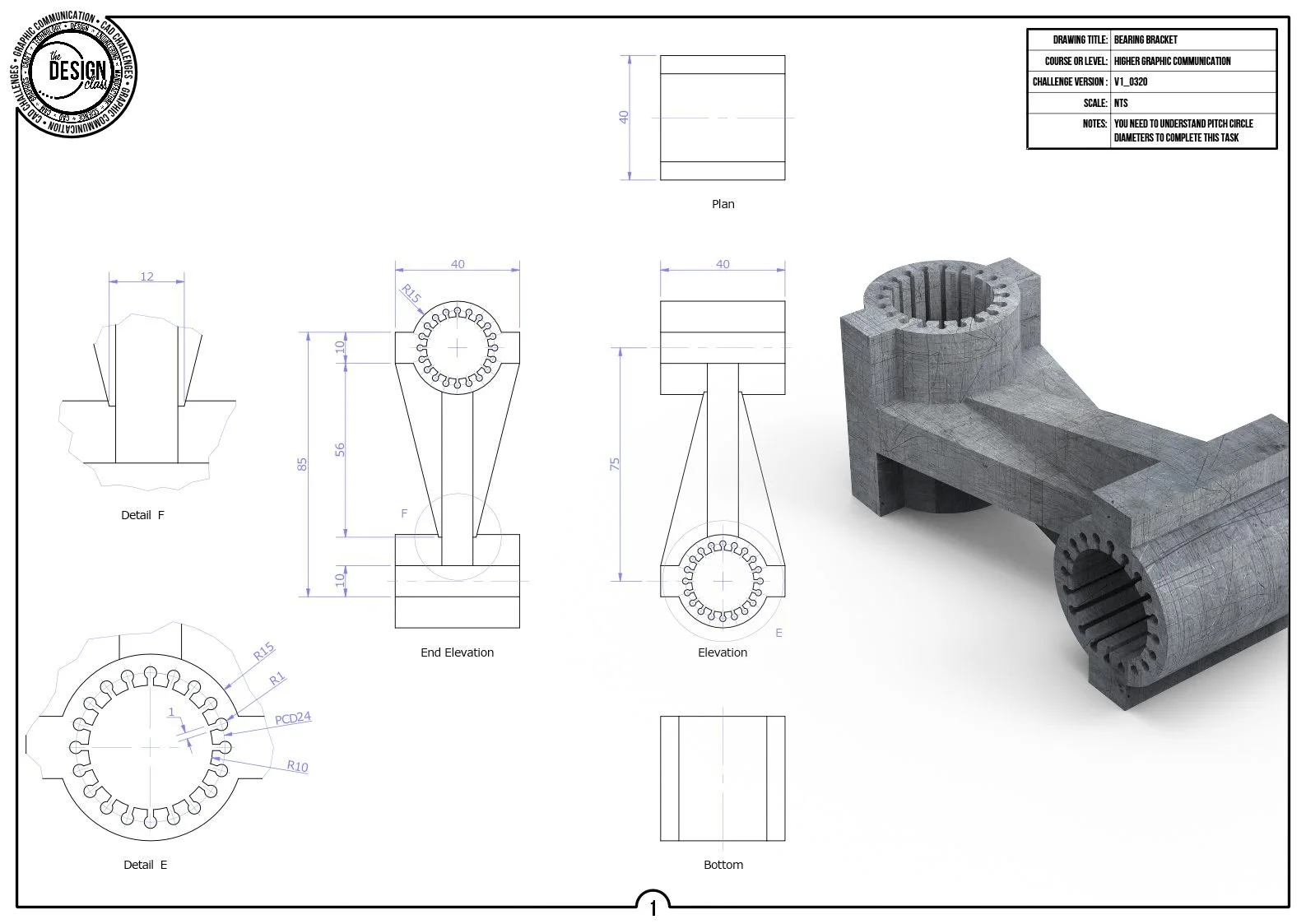
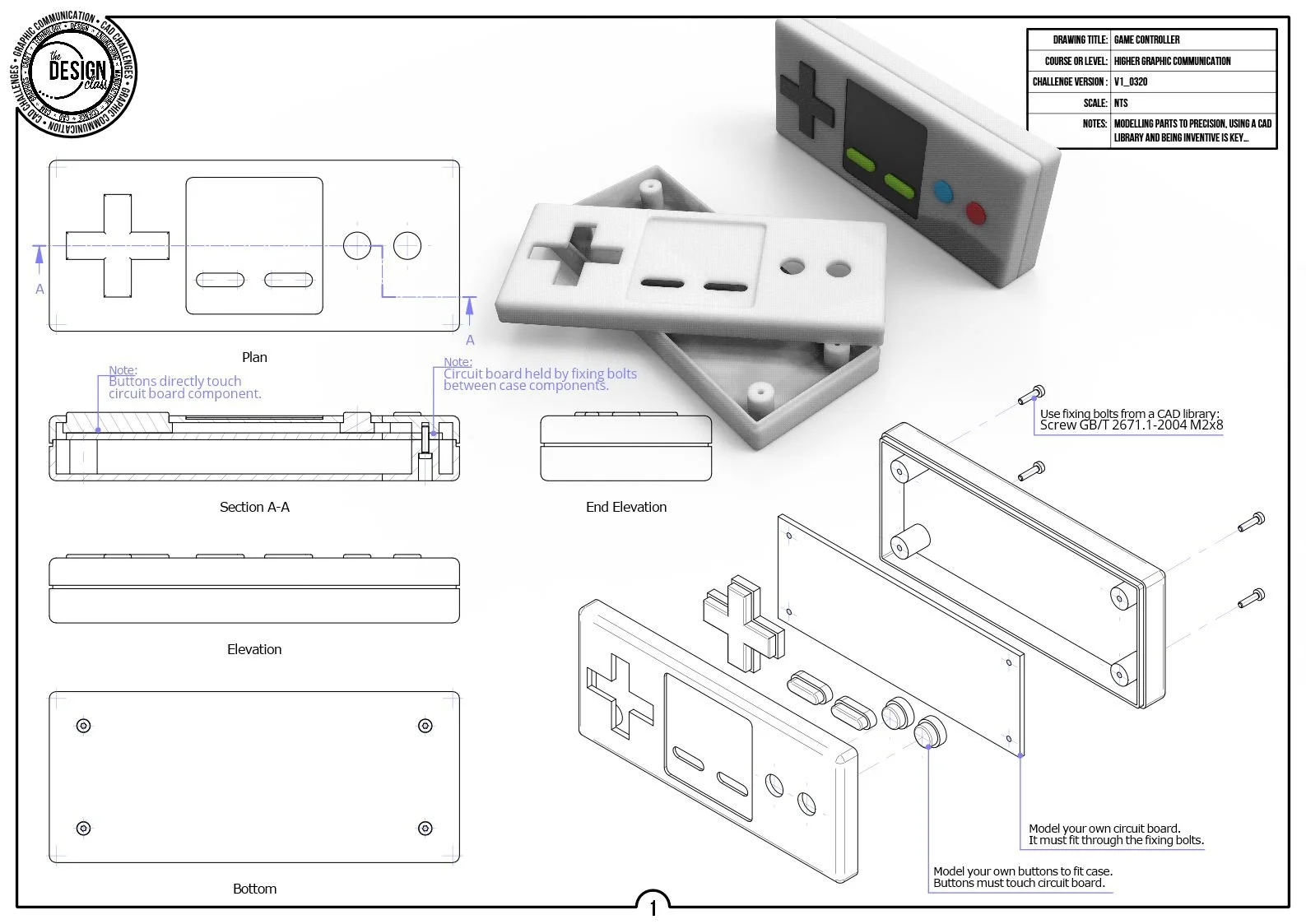
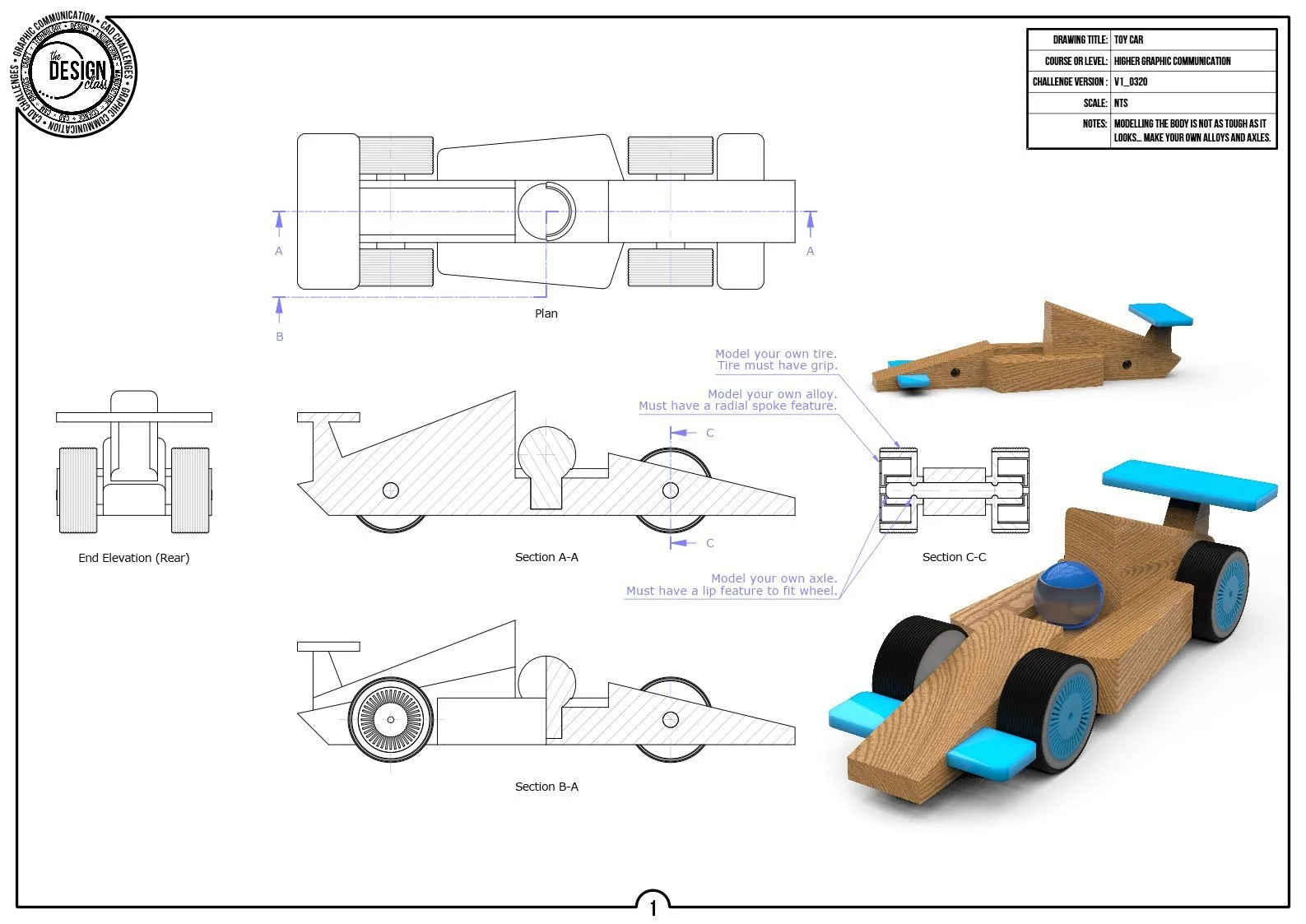
Extrude is the foundation of 3D modelling in Higher Graphic Communication.
You will learn how to turn accurate 2D sketches into controlled 3D forms using extrude‑add, extrude‑subtract, and extrude‑to‑face operations.
These tasks build confidence in creating clean, manufacturable geometry and prepare you for more advanced modelling tools used later in the course.
Revolve CAD Challenges
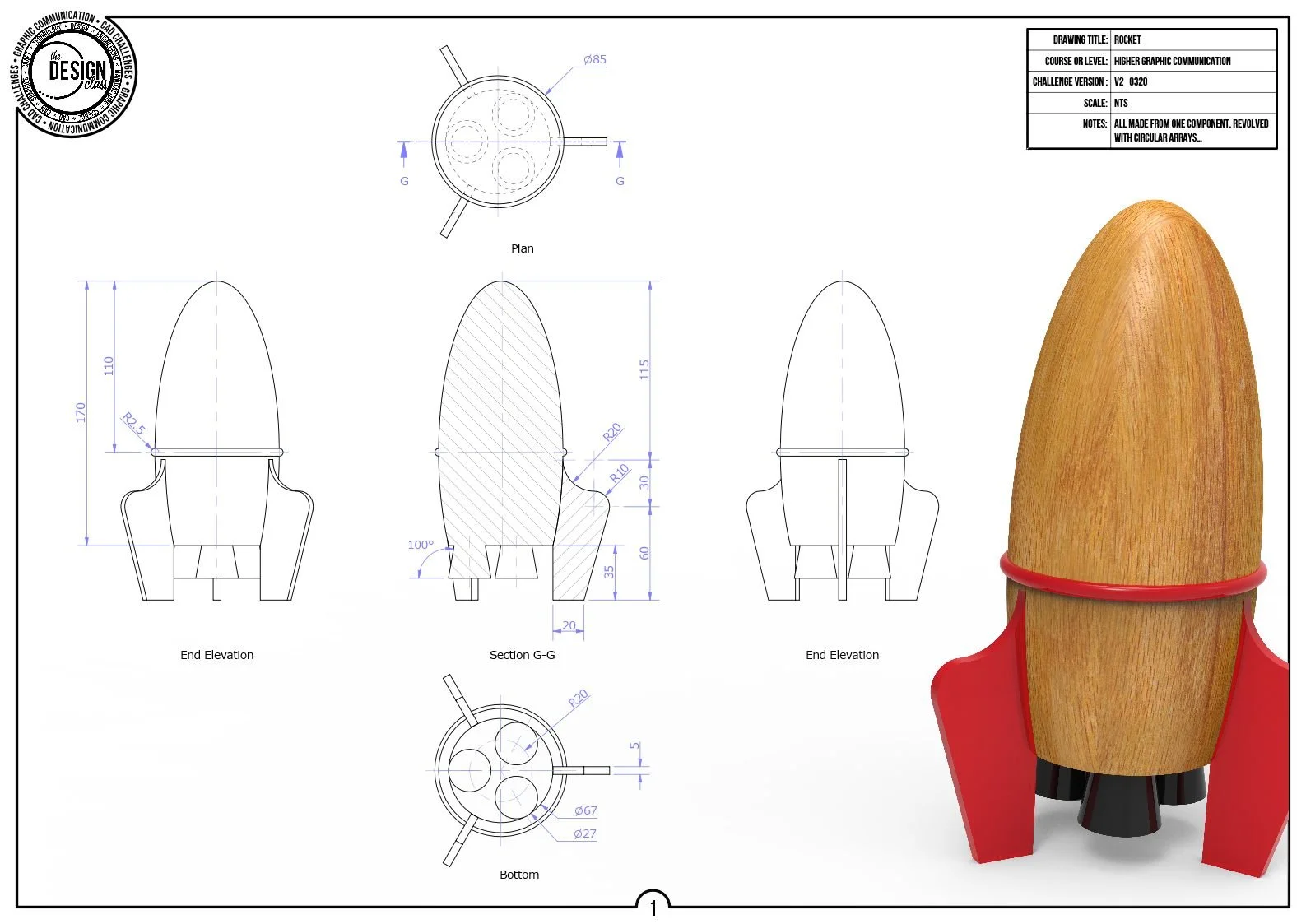
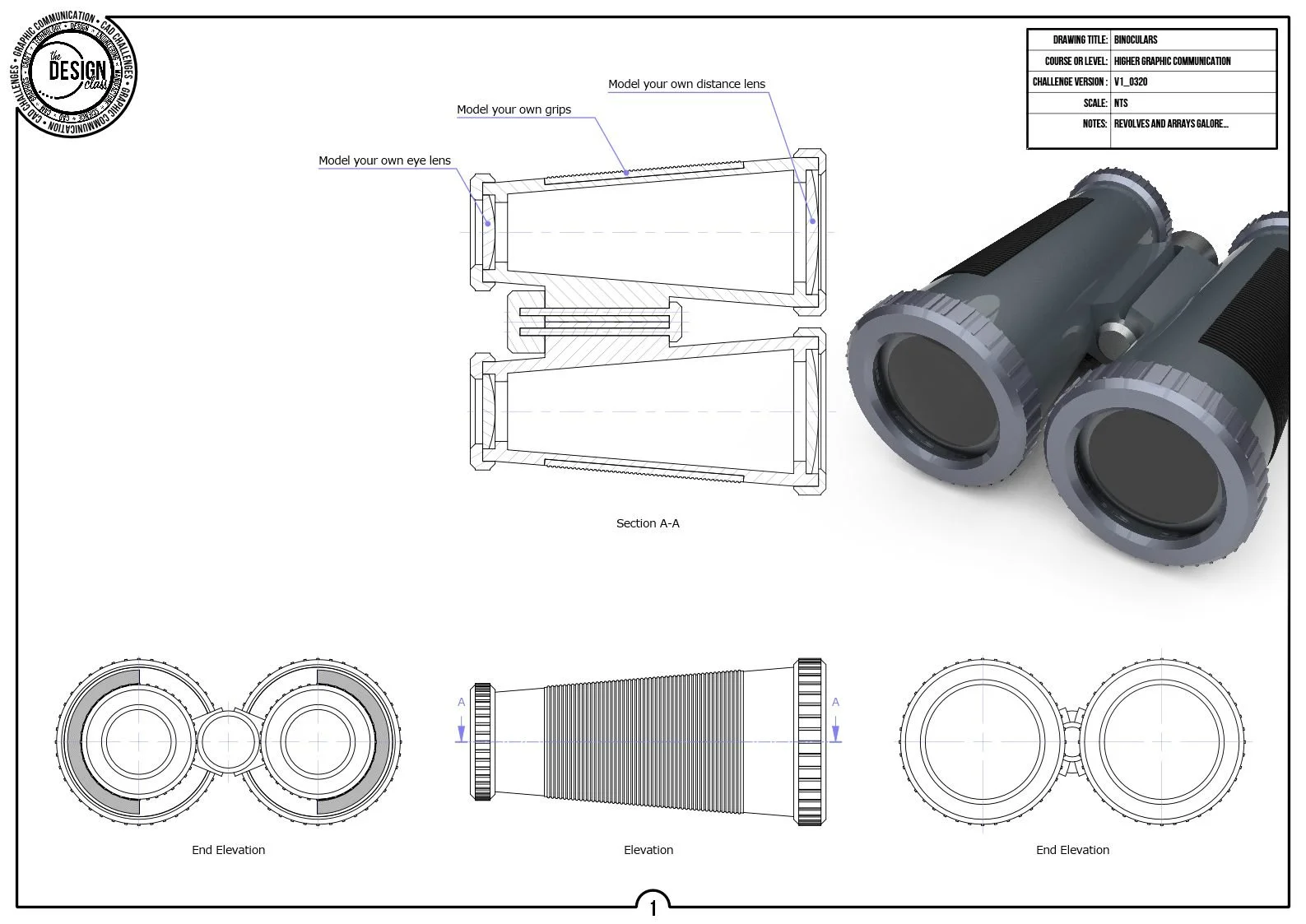
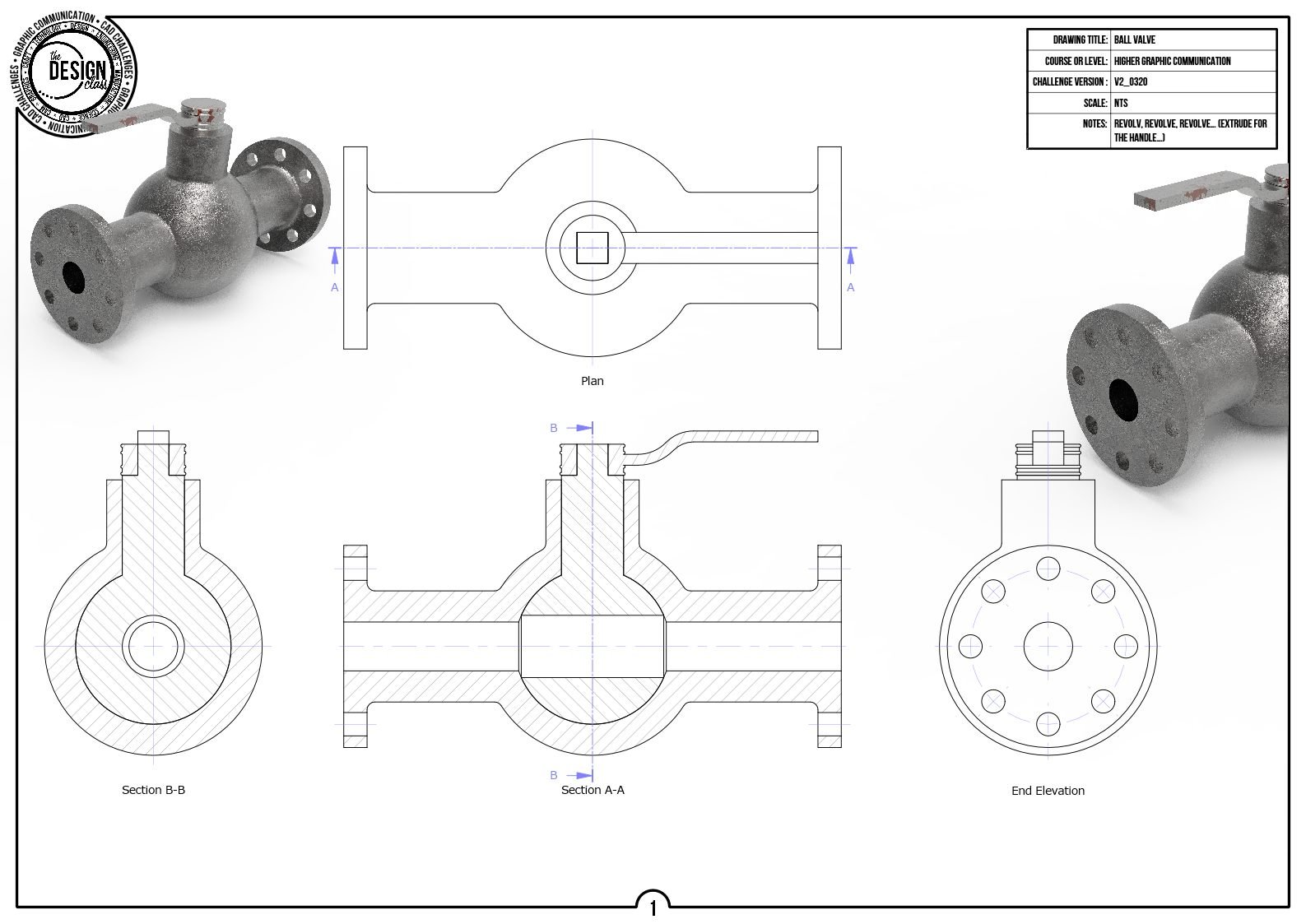
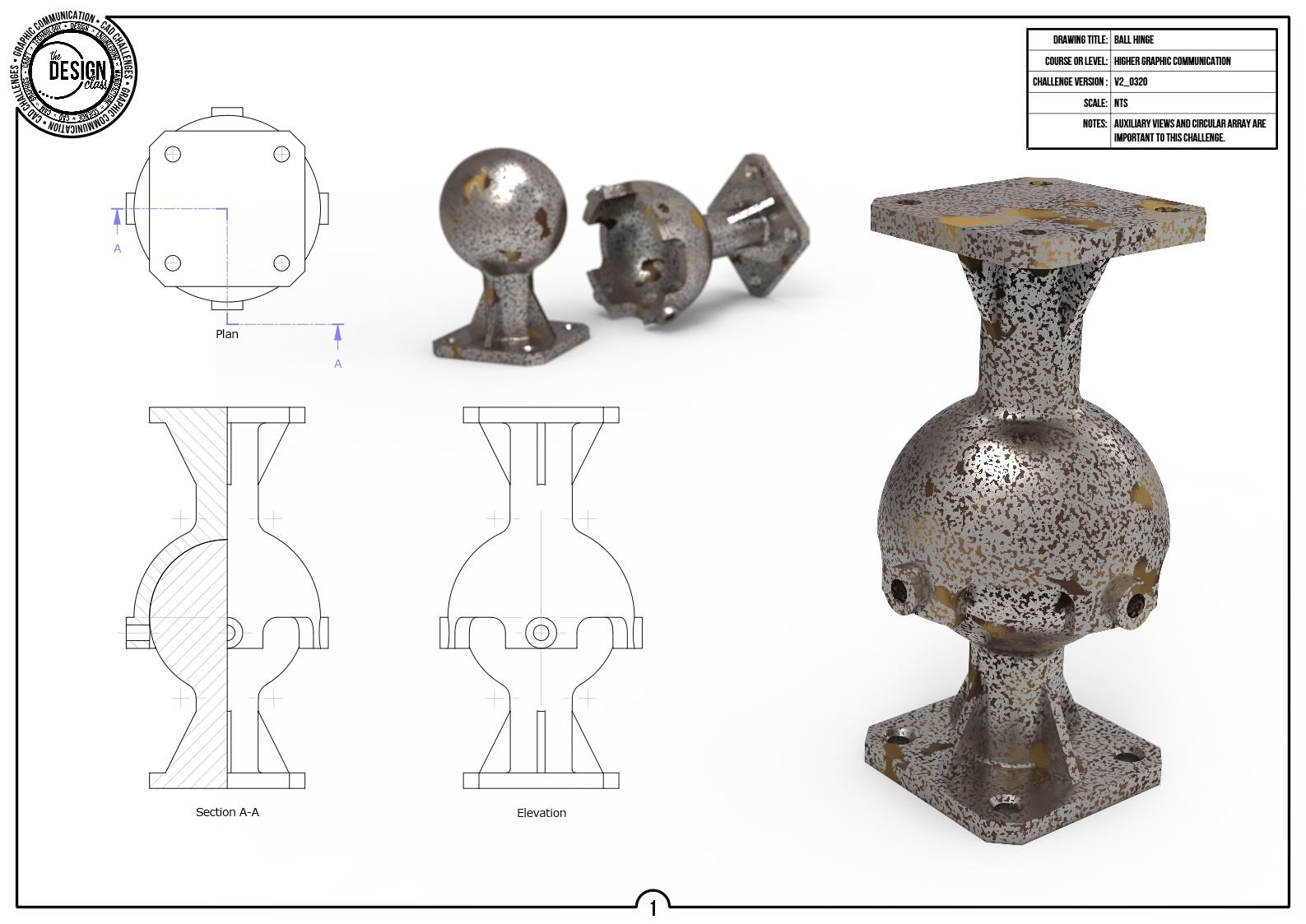
Revolve introduces you to rotational geometry and the importance of profile control, axis definition, and wall thickness management.
Through these challenges, you practise creating hollow forms, intersecting revolved features, and complex curved profiles.
You develop an understanding of how small changes in a sketch can dramatically affect the final 3D form.
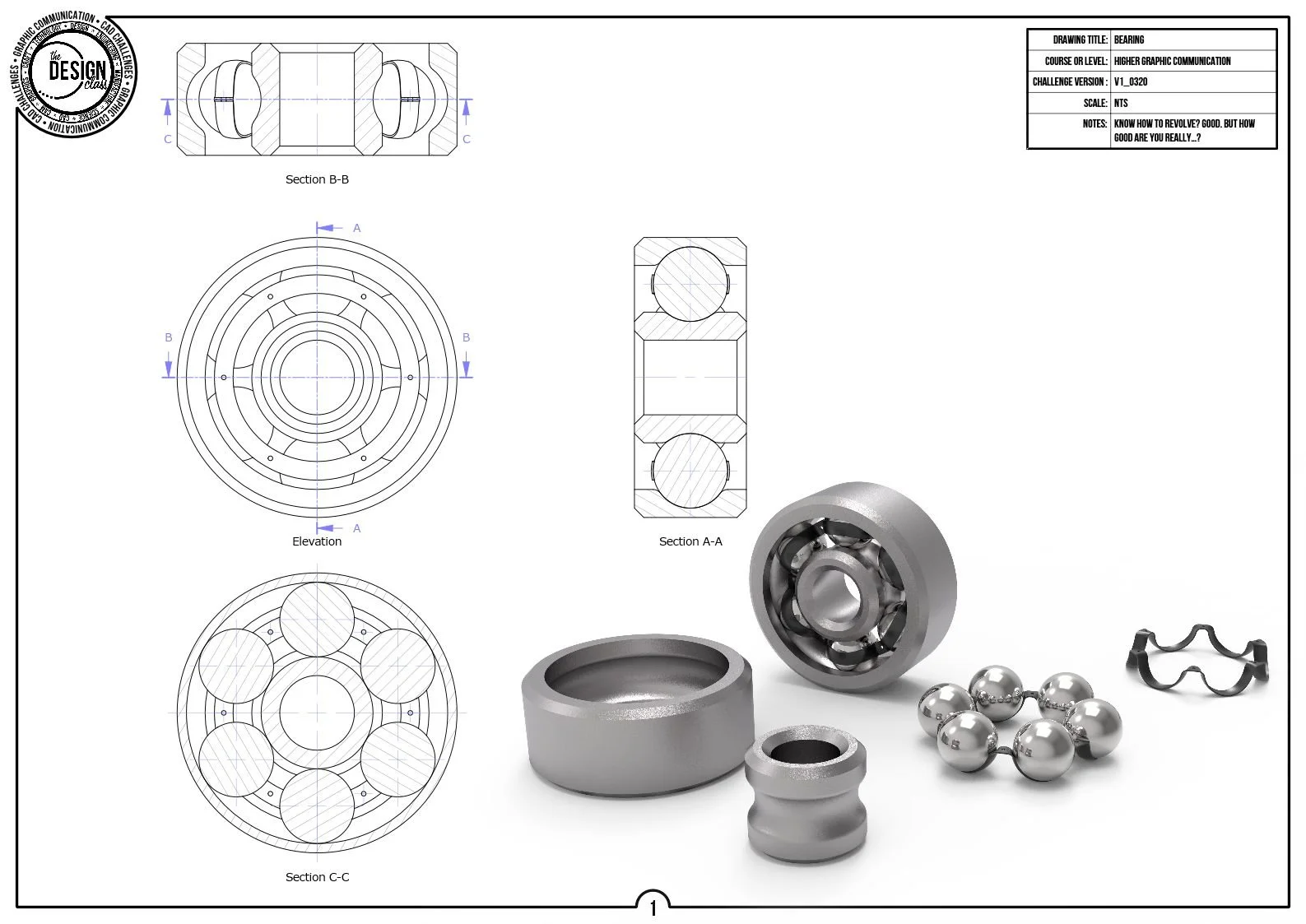
Loft CAD Challenges
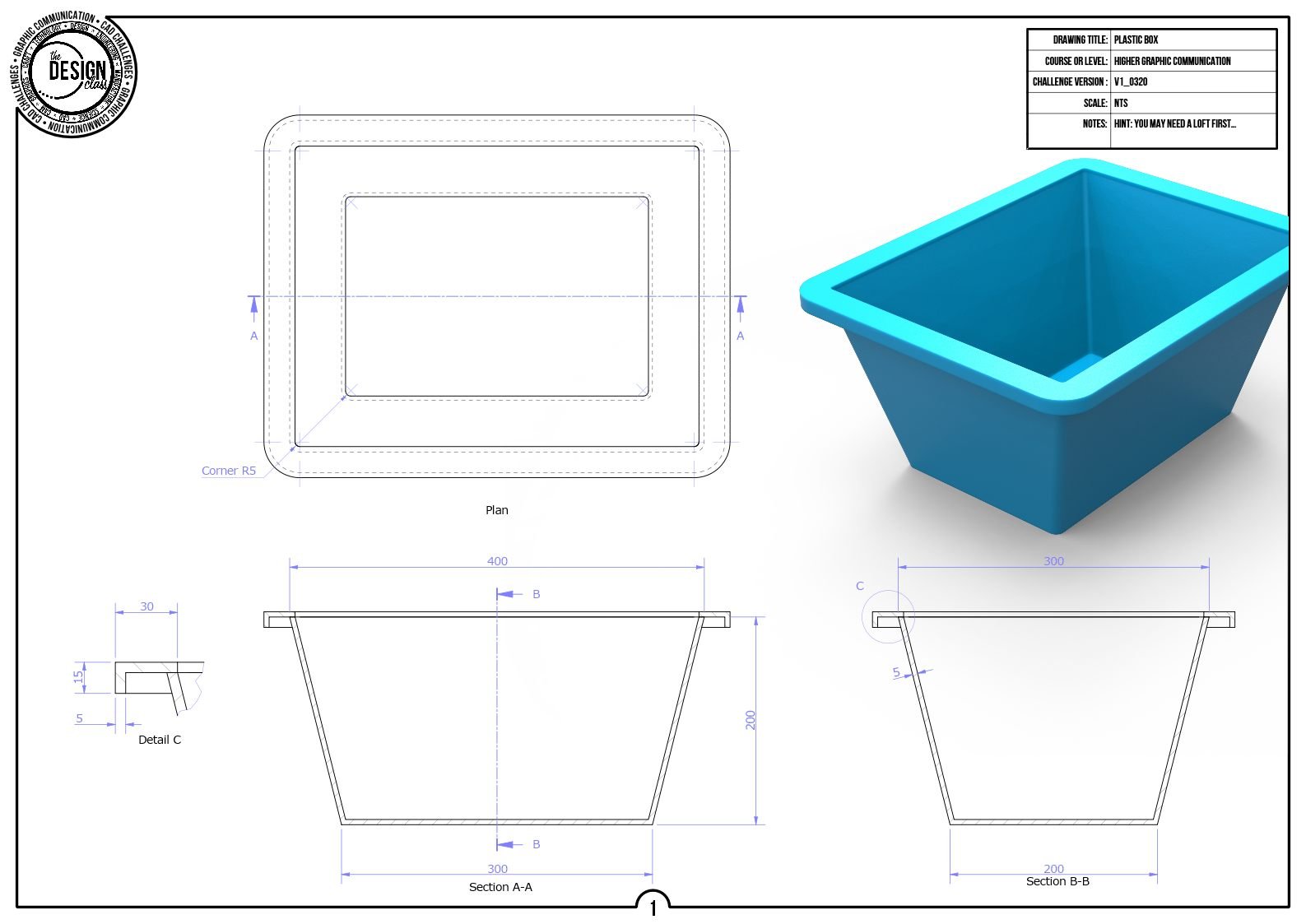
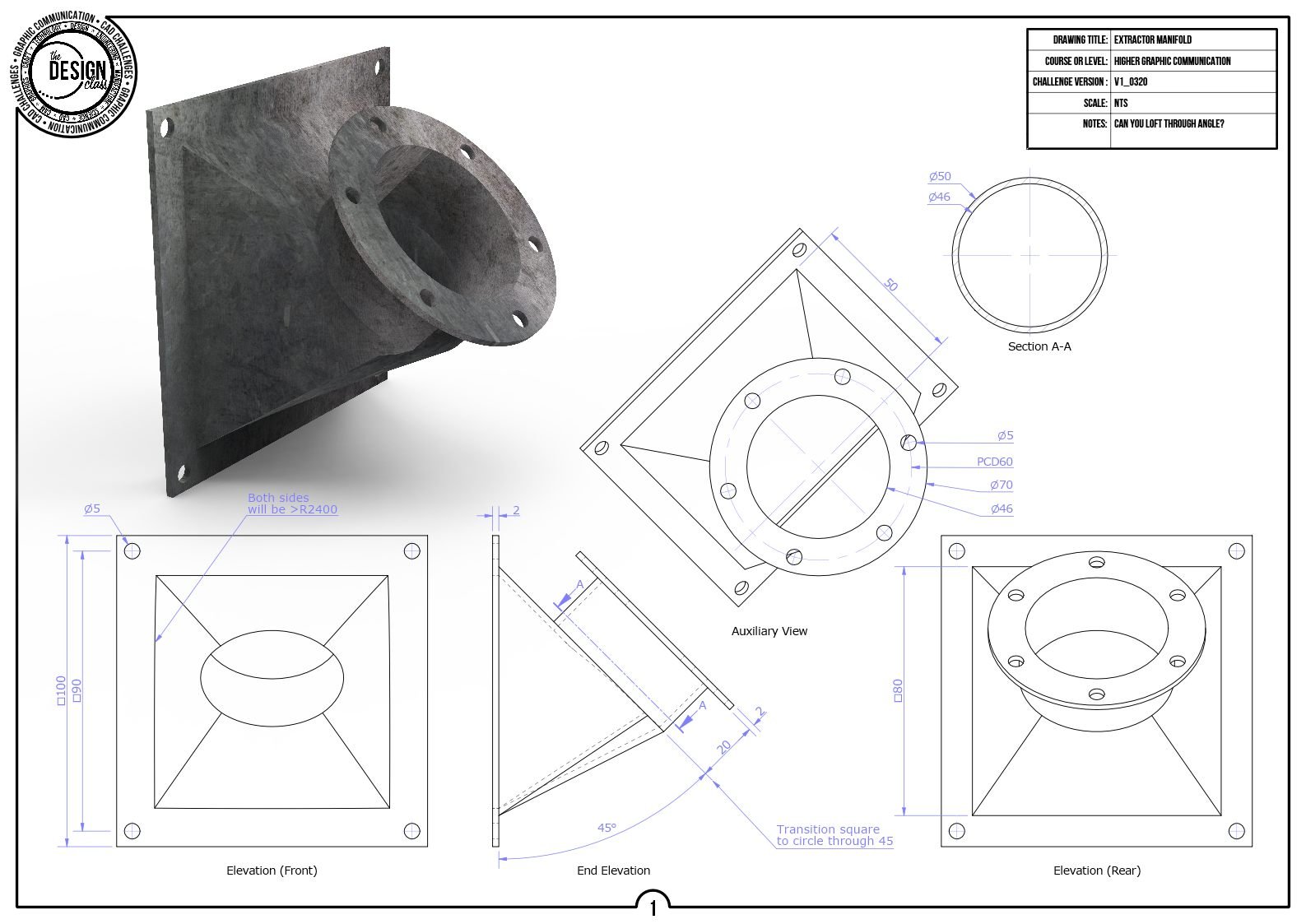
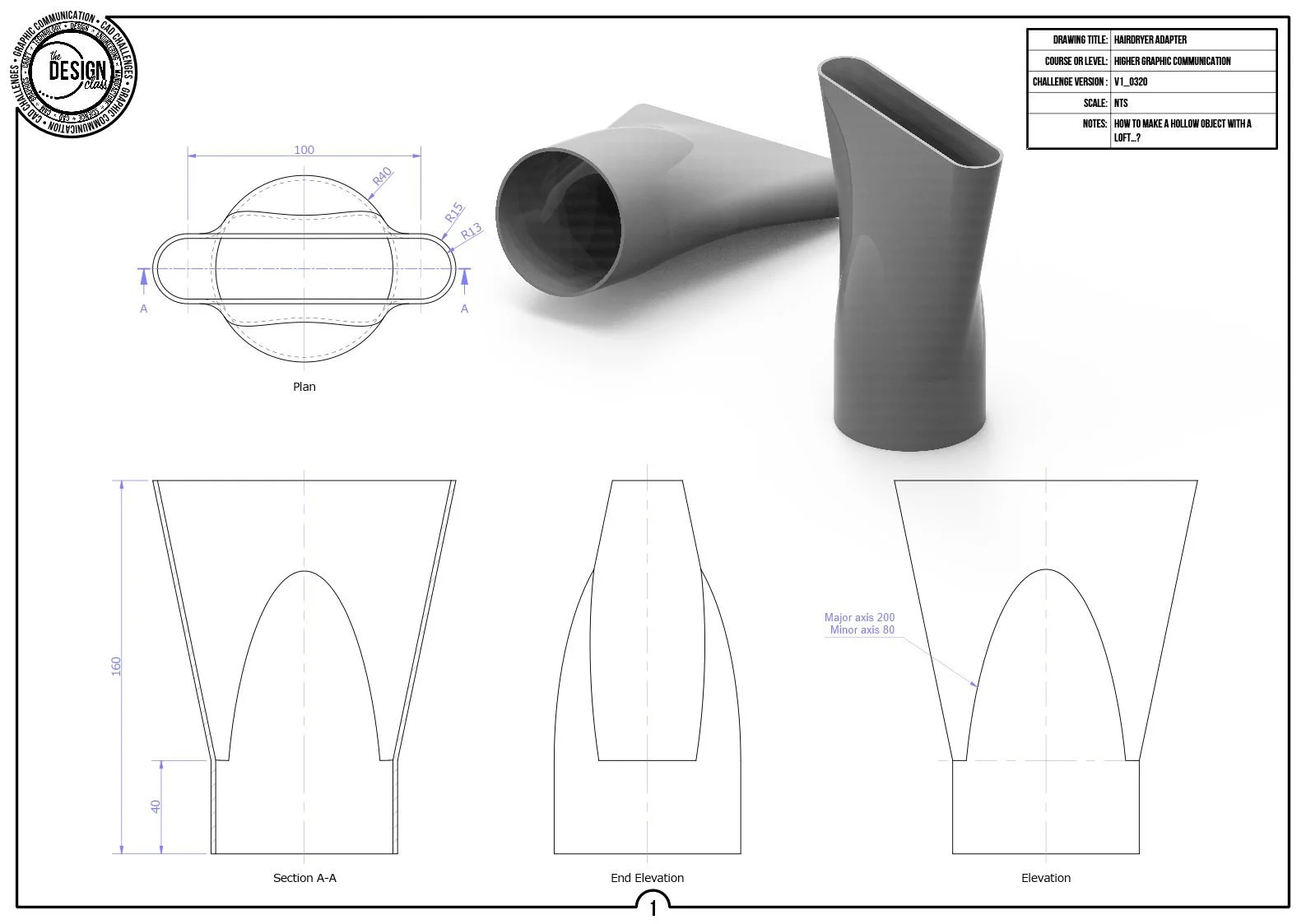
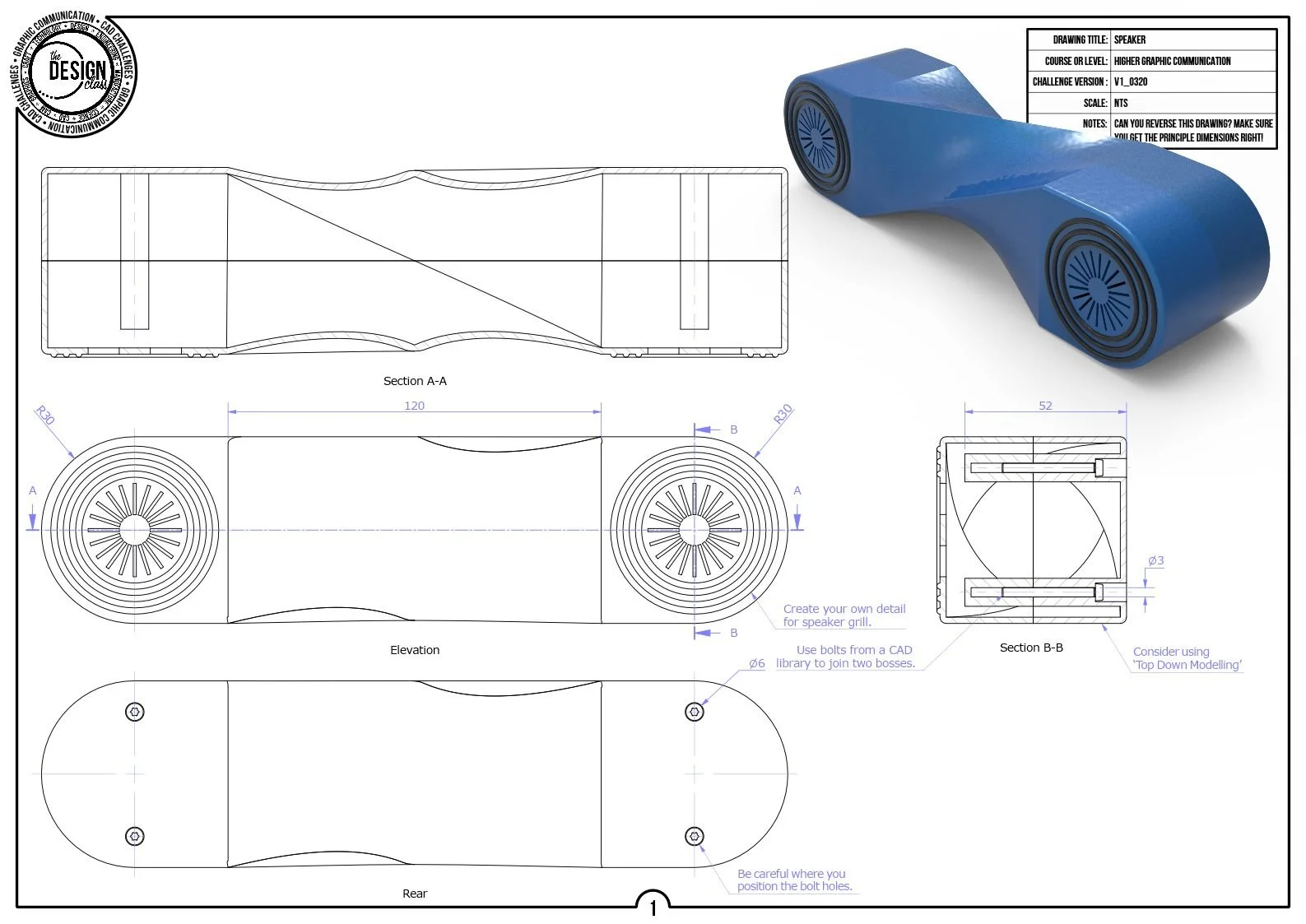
Loft introduces you to modelling between multiple profiles, helping you understand how geometry transitions from one shape to another.
These challenges develop key Higher skills such as profile alignment, vertex matching, workplane placement, and rail‑guided form control.
You practise planning complex shapes, managing sketch order, and predicting how CAD will interpret geometry.
Helix CAD Challenges
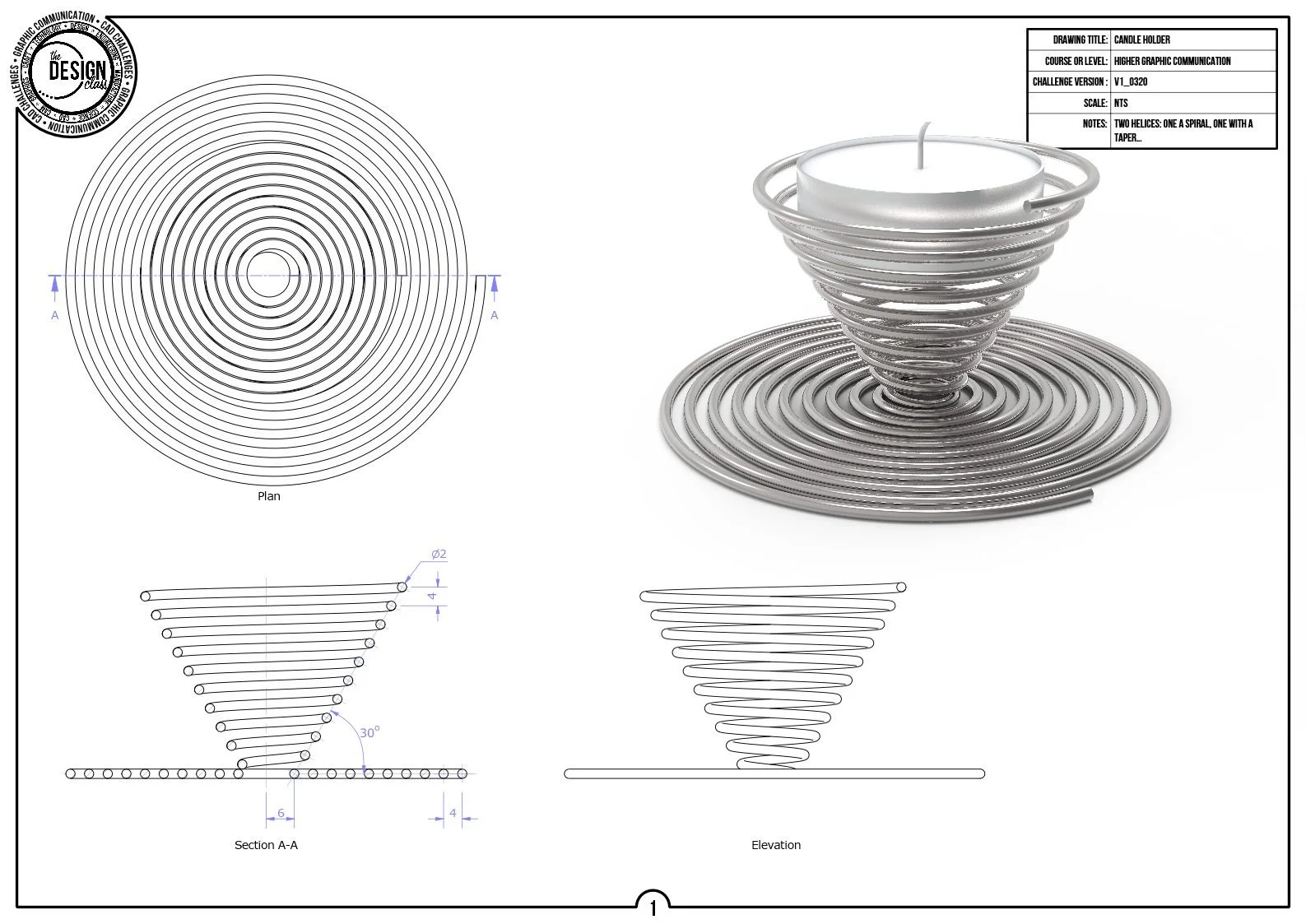
Helix challenges teach you how to model geometry that follows a spiral or threaded path, introducing concepts used widely in engineering components.
You will develop skills in pitch control, profile shape, swept threads, and partial revolutions, as well as understanding how helix parameters affect the final form.
These tasks build confidence in creating functional features such as screws, propellers, and threaded mechanisms.
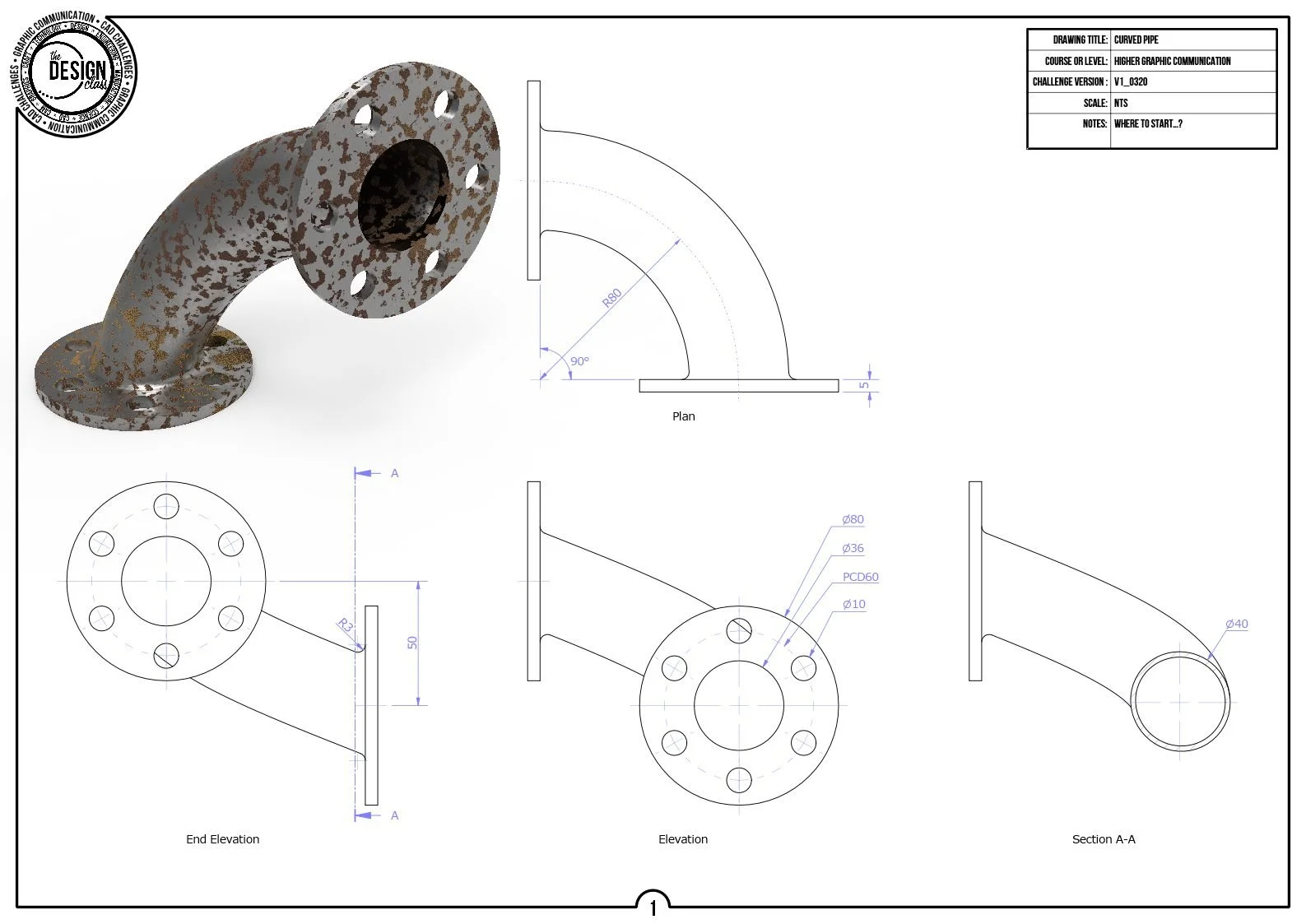
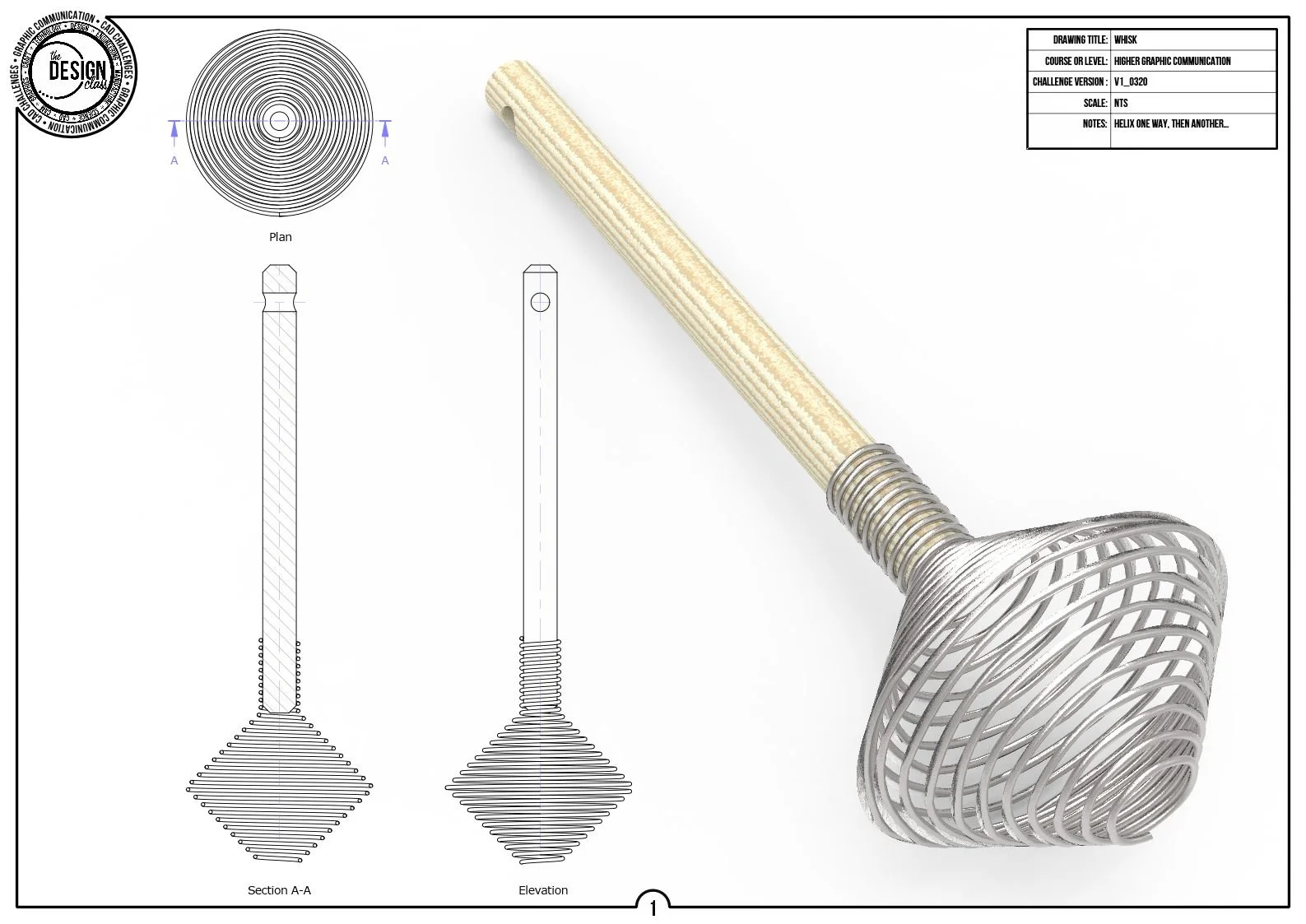
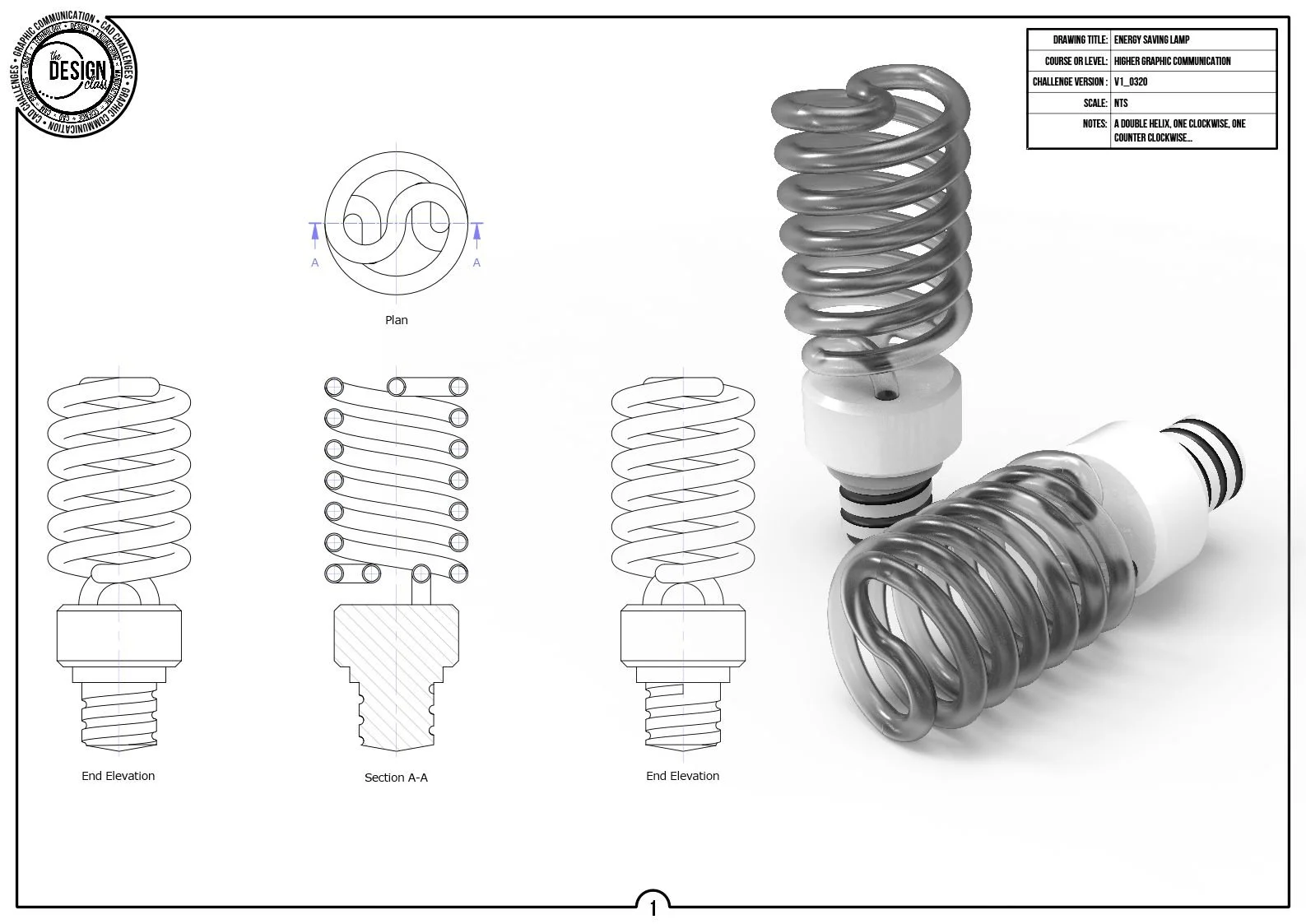
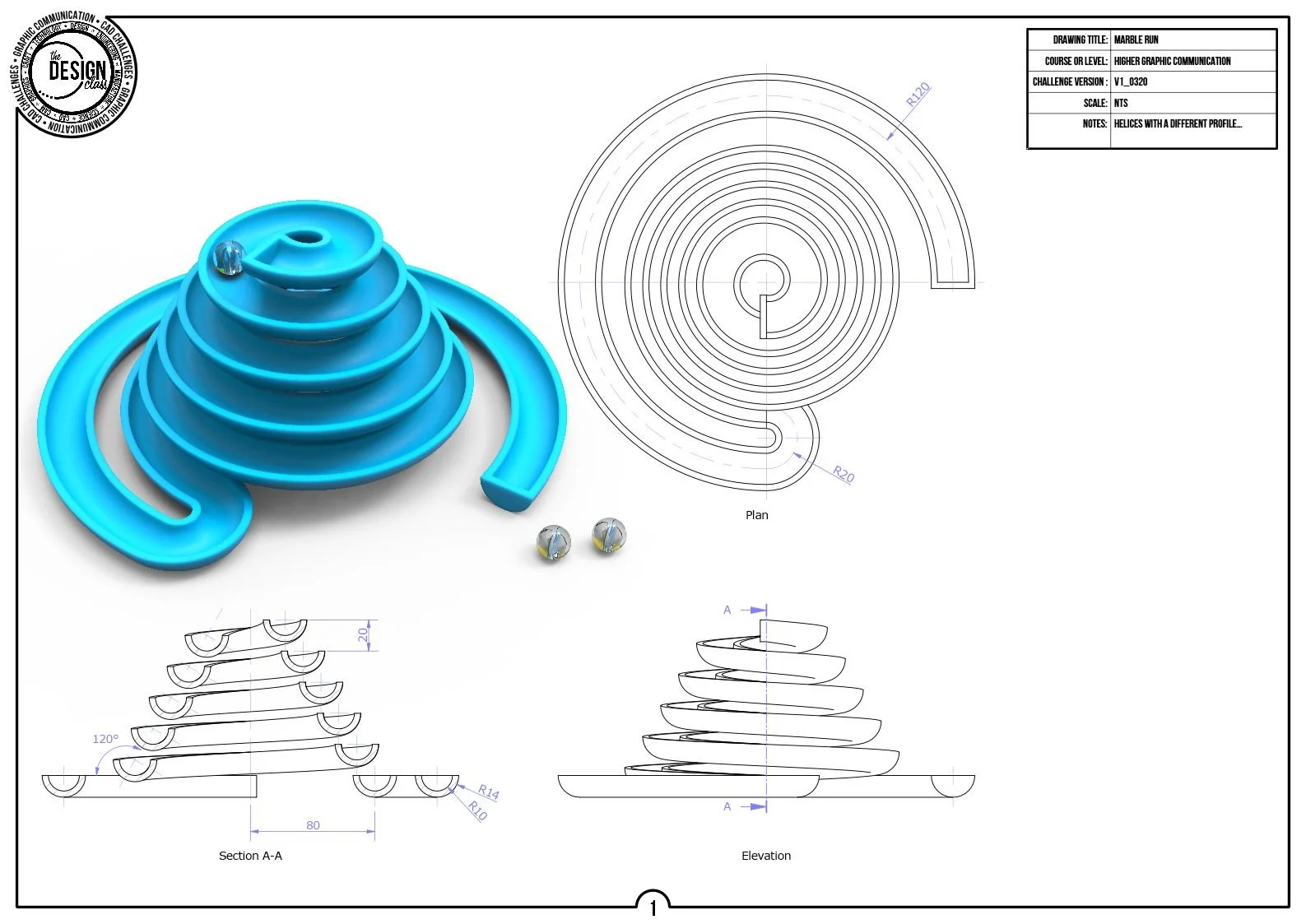
Sweep-along-a-path CAD Challenges
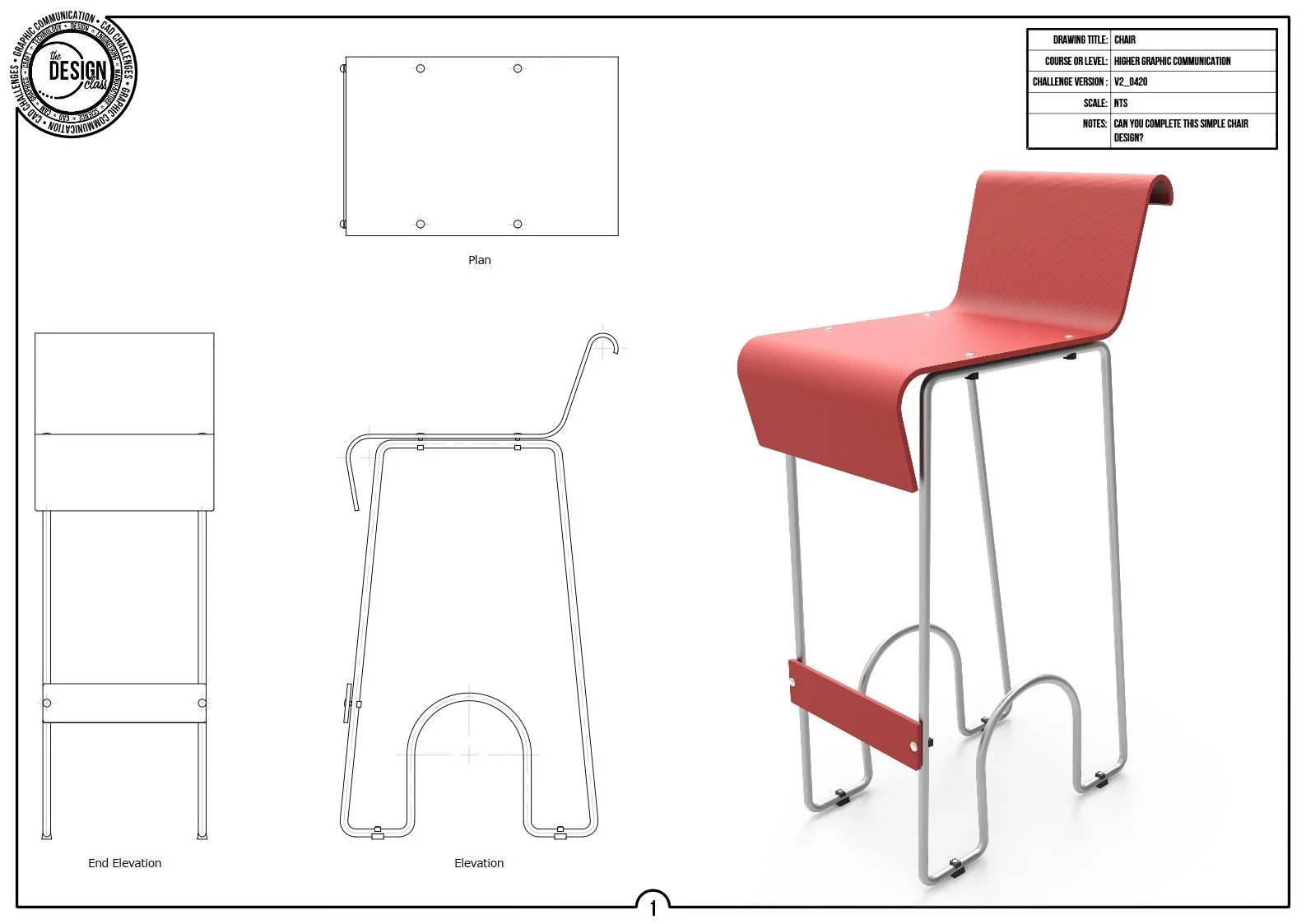
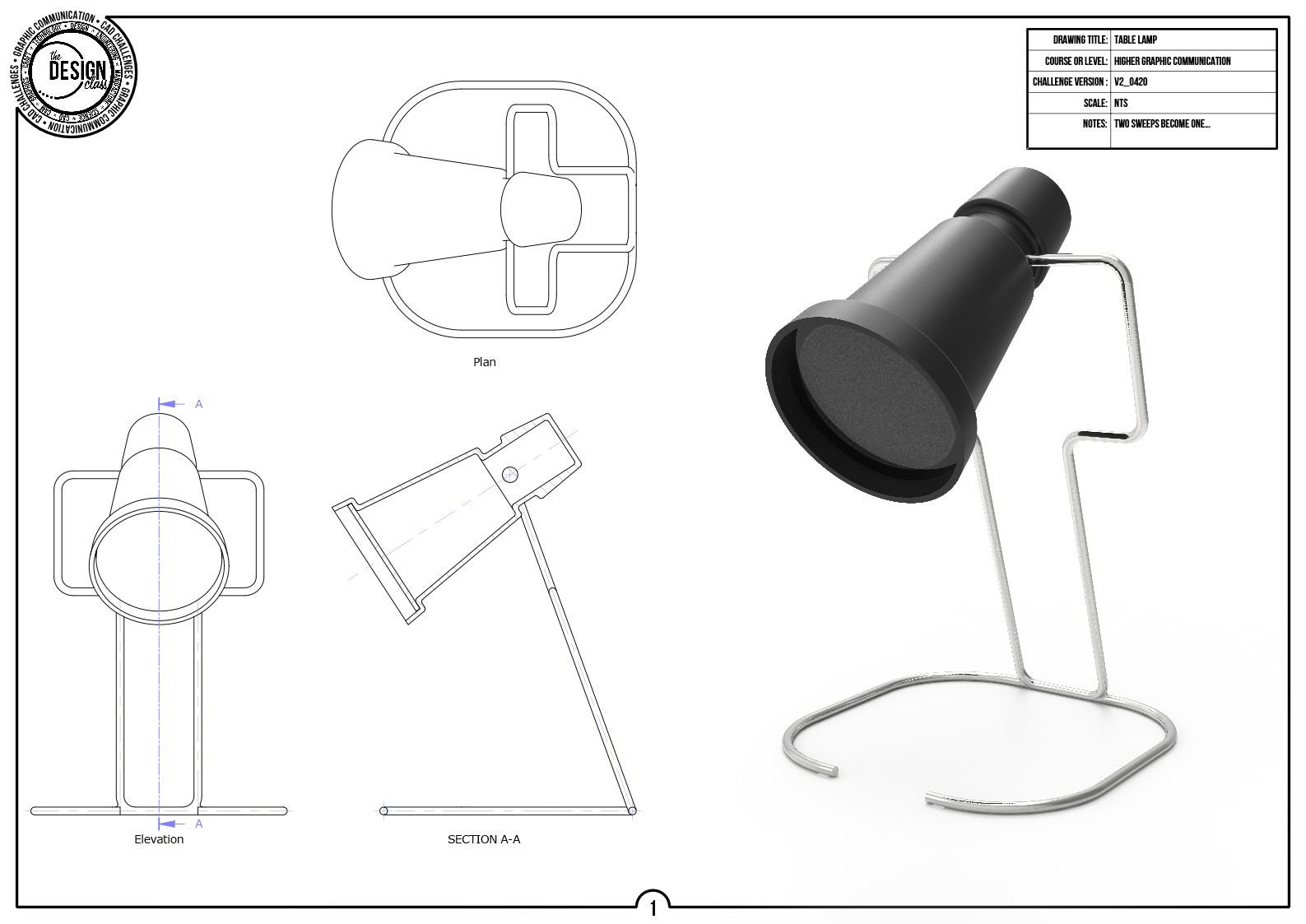
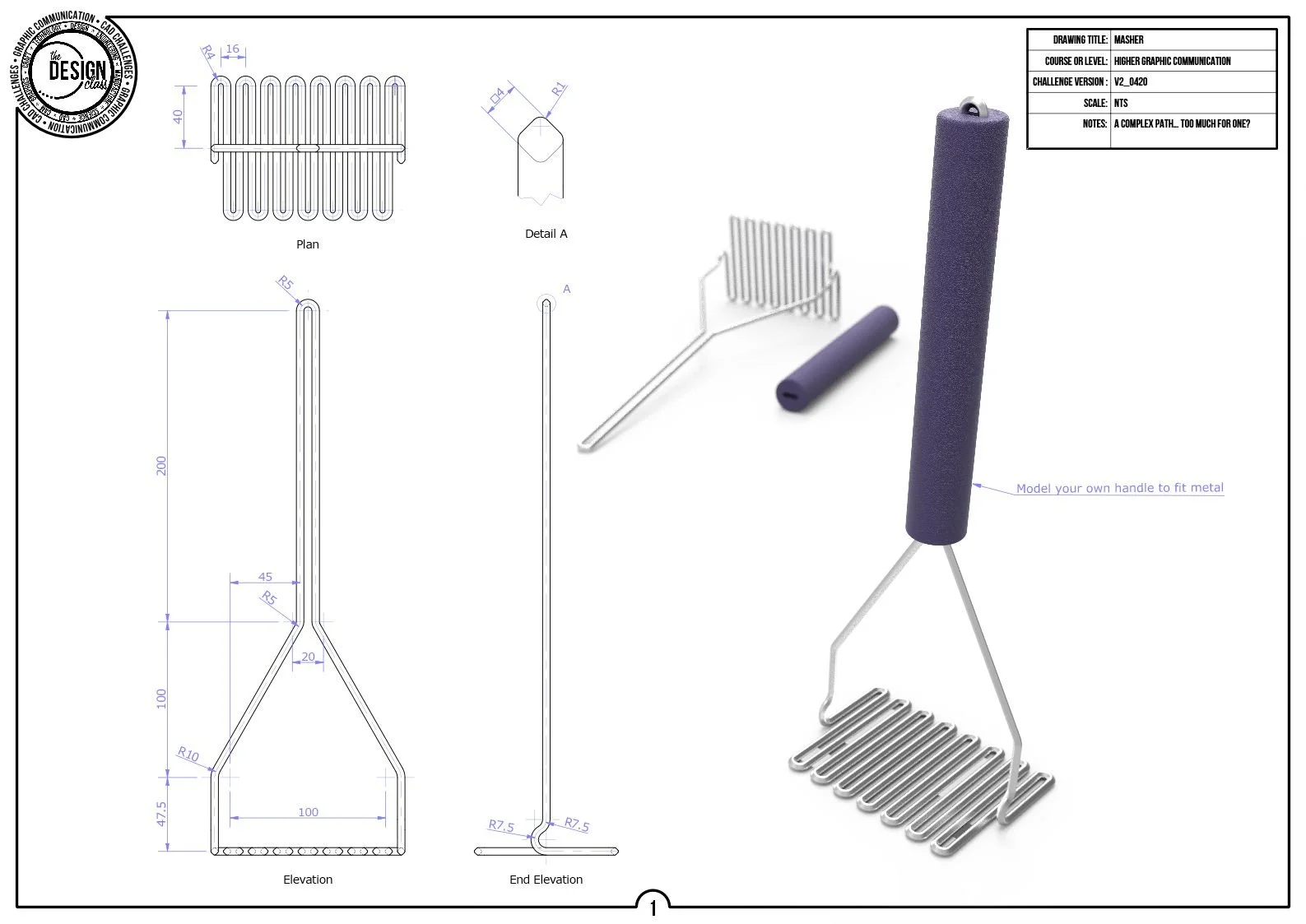
Sweep‑along‑a‑path challenges teach you how to create geometry that follows a defined curve, introducing controlled 3D movement of a profile.
These tasks develop essential Higher skills such as profile orientation, path creation, curve control, and feature planning.
You will practise sweeping simple and complex profiles along straight, curved, and multi‑segment paths, building confidence in producing accurate, flowing forms used in real product design.