


Technical Graphics
Learning Intentions
Orthographic sketching
Sketching is usually completed free-hand, but some designers and engineers may use a computer or tablet. Either way, they are meant to be quick reference images to convey information on-the-fly. Learn how to create orthographic sketches.
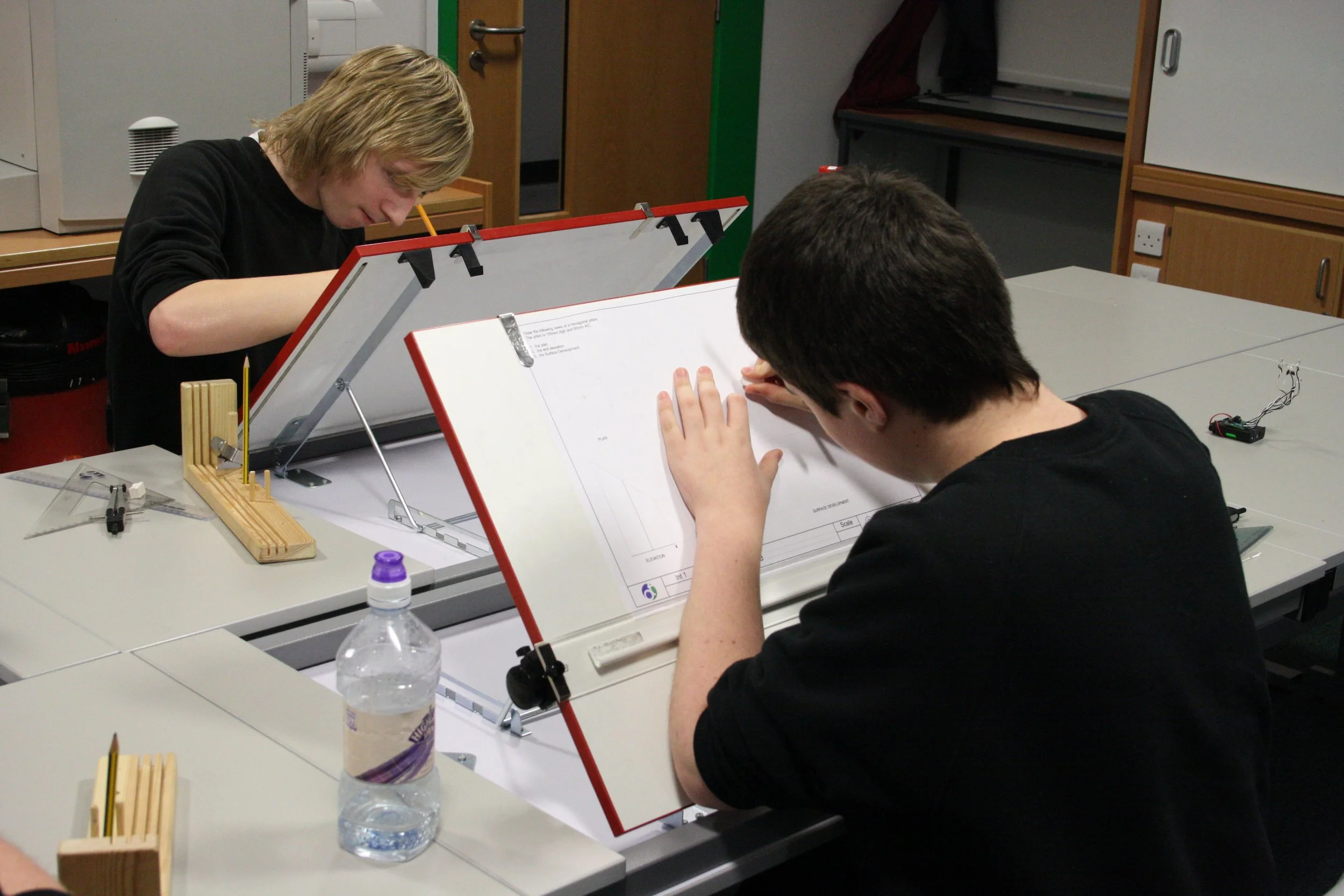
Using drawing boards
Okay, most businesses don’t use drawing boards anymore, but learning to use them can really help you to understand projection and measuring accurately. You will learn to use a drawing board and the associated tools to create technical drawings.
CAD for Technical Graphics
Computers can be used to create technical graphics - which is great - as you can use the graphics to manufacture things, or email them instantly. Learn how to create technical graphics using a computer.
Project Downloads

Six levels of orthographic sketching challenges. Can you complete all 24 drawings?

Want a monochrome version? Don’t worry, here it is…
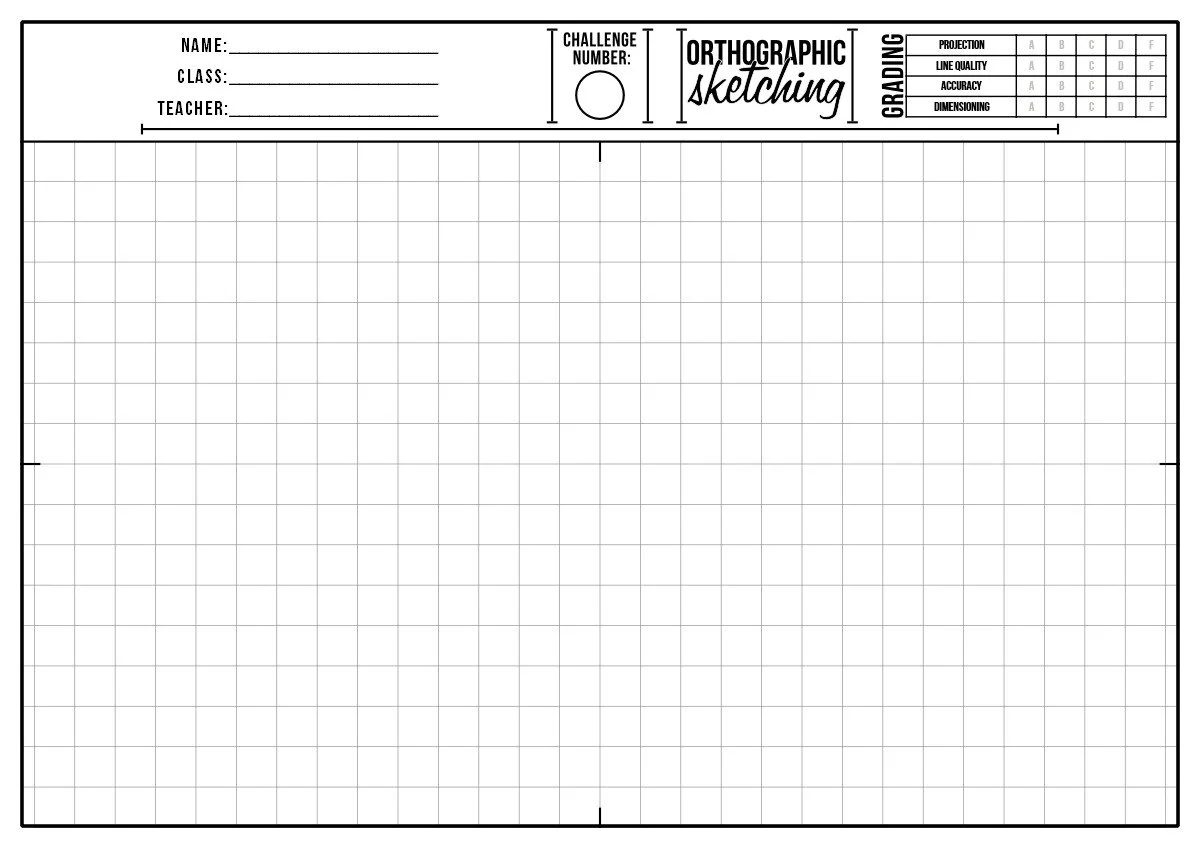
The A4 print worksheet for the orthographic sketching challenge.

Resource coming soon… Maybe…

Drawing Board Practice
Using a drawing board can help you to understand projection, measuring and working accurately.
These tasks allow to practice your skills.
Please be careful when printing! Print at 100% on A4 paper!


Using a drawing board…
Never used a drawing board before? Here are some short tutorials on creating a drawing manually.
Making Technical Graphics
Learning to create technical graphics is the first step to speaking like an engineer.
Technical graphics convey complex information in a way that other designers and engineers can understand. Technical graphics can be sketched, drawn or created using Computer Aided Design. Here we look at each of them.
-
Use a drawing board
-
3D Modelling

“Simplicity is the ultimate sophistication.”
Unknown